Bolt x Figma
Turn Figma designs into production-ready apps in one click.
Listed in categories:
ProductivityArtificial IntelligenceDesign Tools

Description
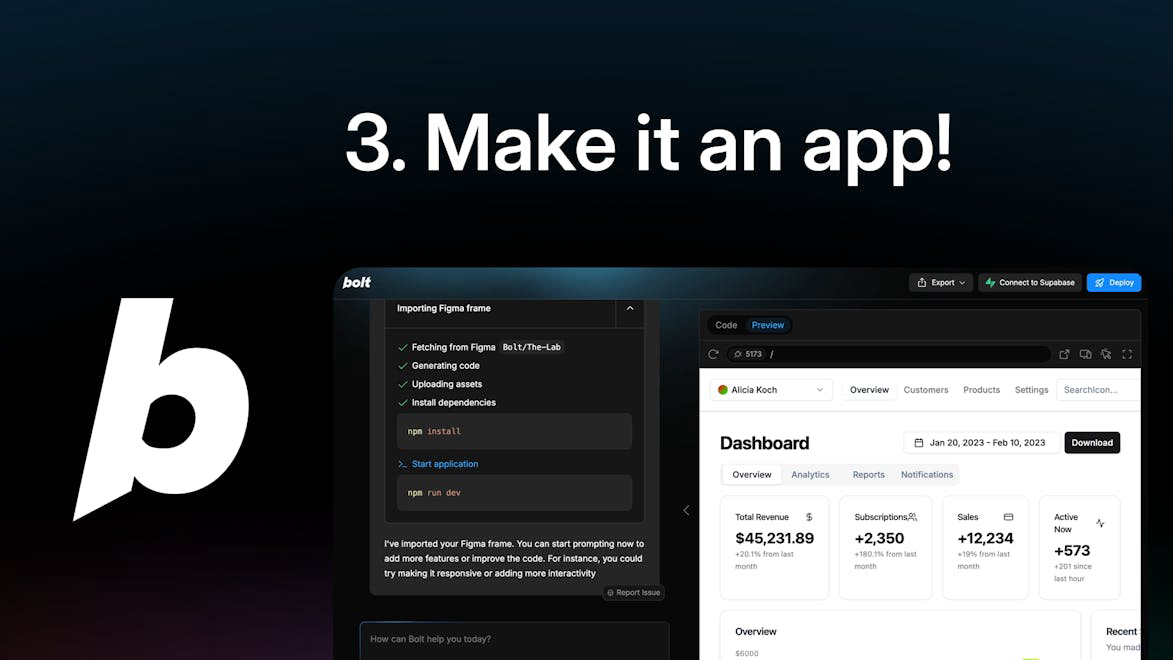
Introducing Figma to Bolt, a platform that allows you to prompt, run, edit, and deploy fullstack web and mobile applications seamlessly.
How to use Bolt x Figma?
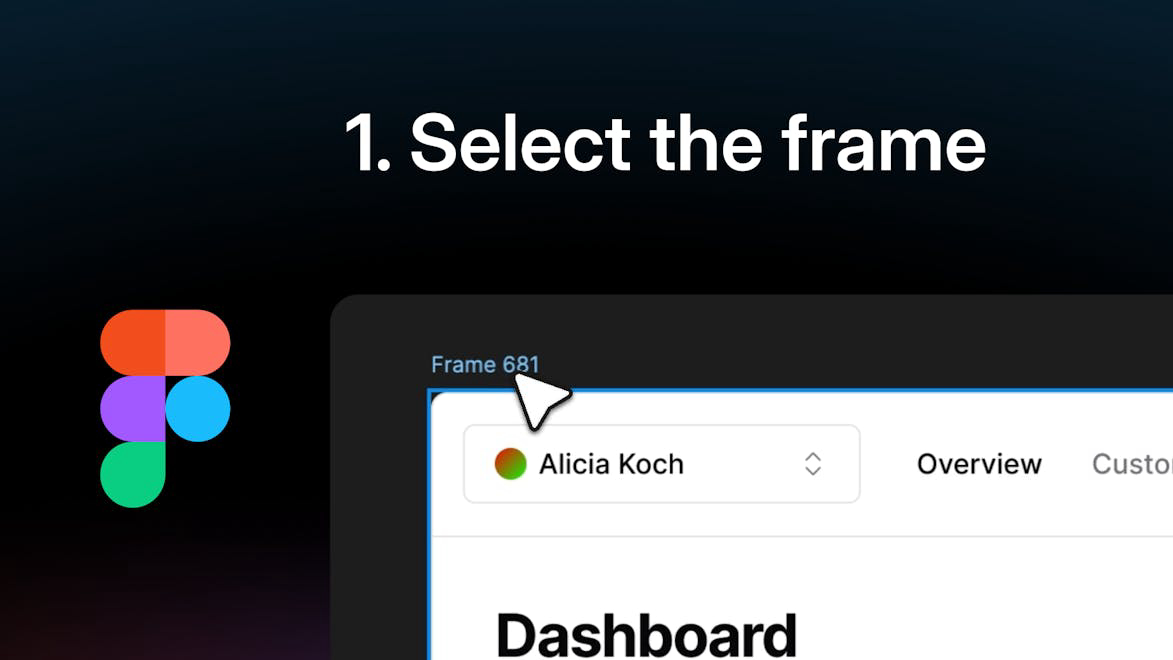
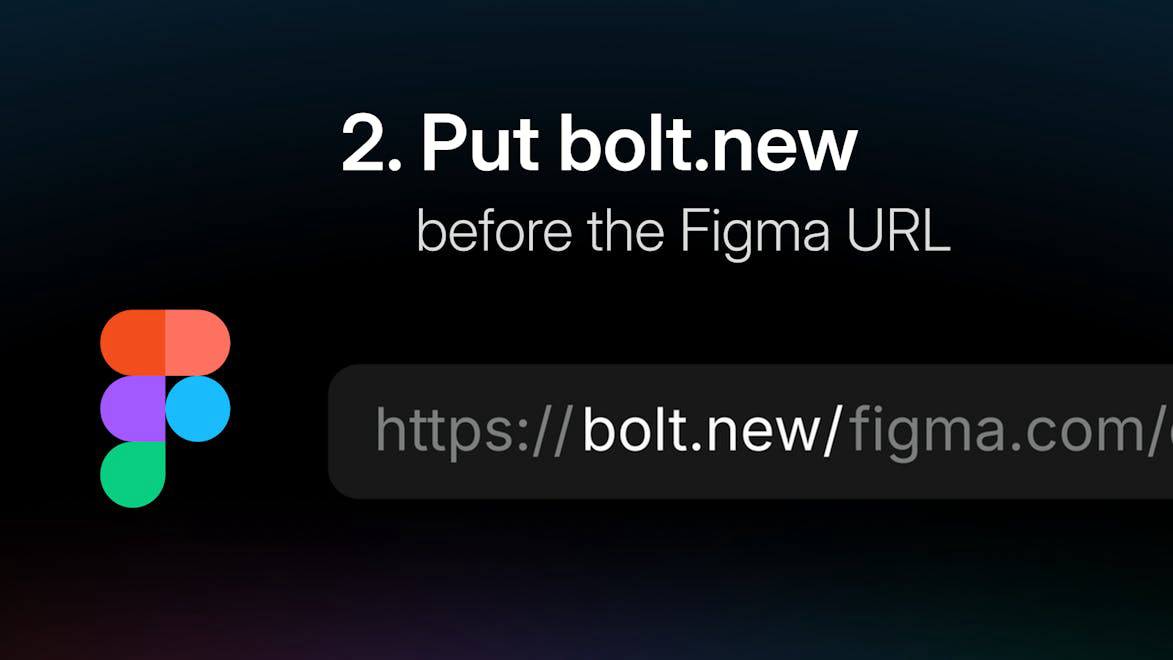
To use the platform, simply import your designs from Figma, choose your desired application type, and follow the prompts to build and deploy your app.
Core features of Bolt x Figma:
1️⃣
Import designs from Figma
2️⃣
Build mobile apps with Expo
3️⃣
Create blogs with Astro
4️⃣
Scaffold UI with shadcn
5️⃣
Draft presentations with Slidevor
Why could be used Bolt x Figma?
| # | Use case | Status | |
|---|---|---|---|
| # 1 | Develop a mobile application quickly using Expo | ✅ | |
| # 2 | Start a blog with Astro for content sharing | ✅ | |
| # 3 | Create a documentation site with Vitepress for project guidelines | ✅ | |
Who developed Bolt x Figma?
Bolt is a cutting-edge platform designed to streamline the app development process, making it easier for developers and designers to collaborate and create high-quality applications.