Doksy
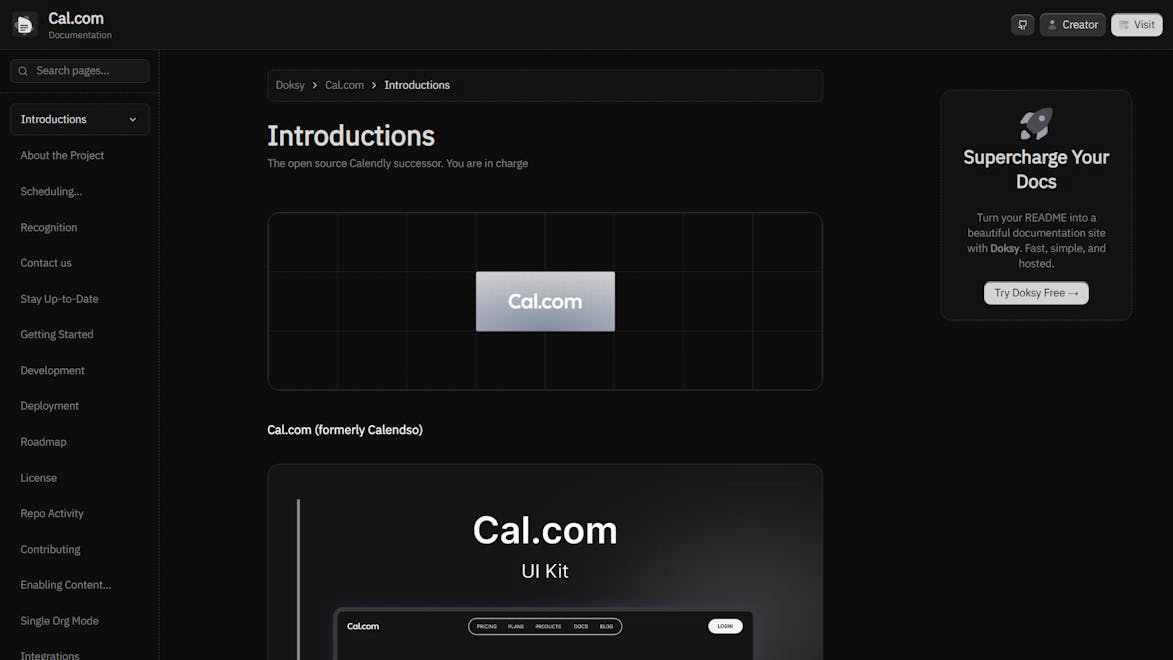
Turn your readme into beautiful documentation website
Listed in categories:
Developer ToolsGitHub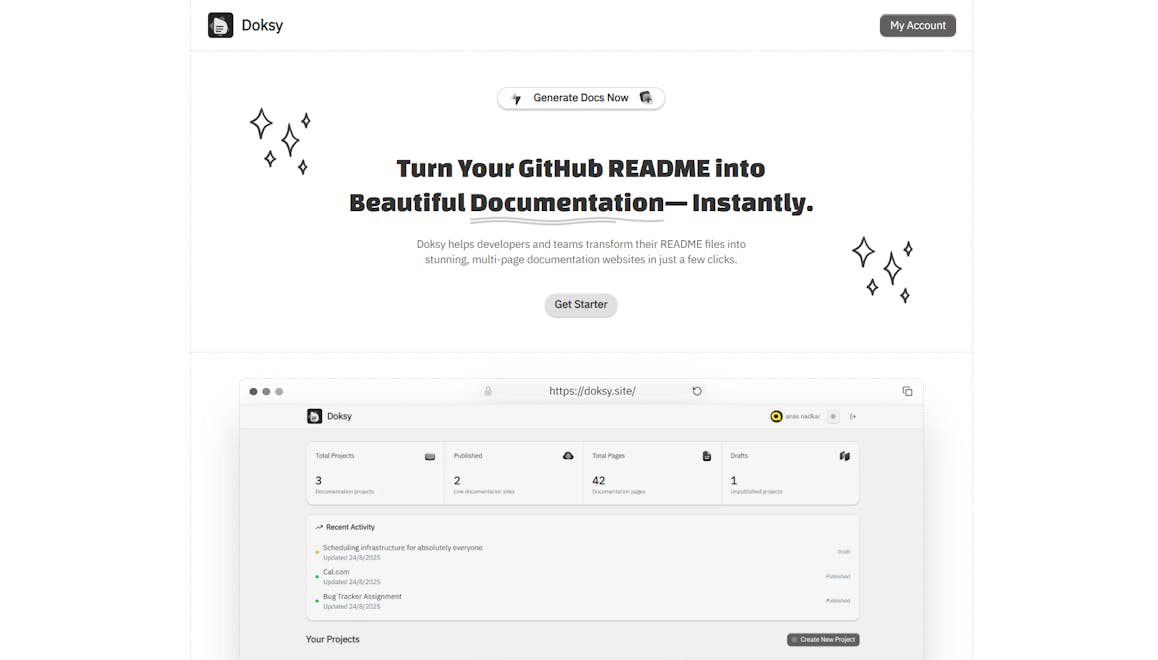

Description
Doksy helps developers and teams transform their README files into stunning multipage documentation websites in just a few clicks.
How to use Doksy?
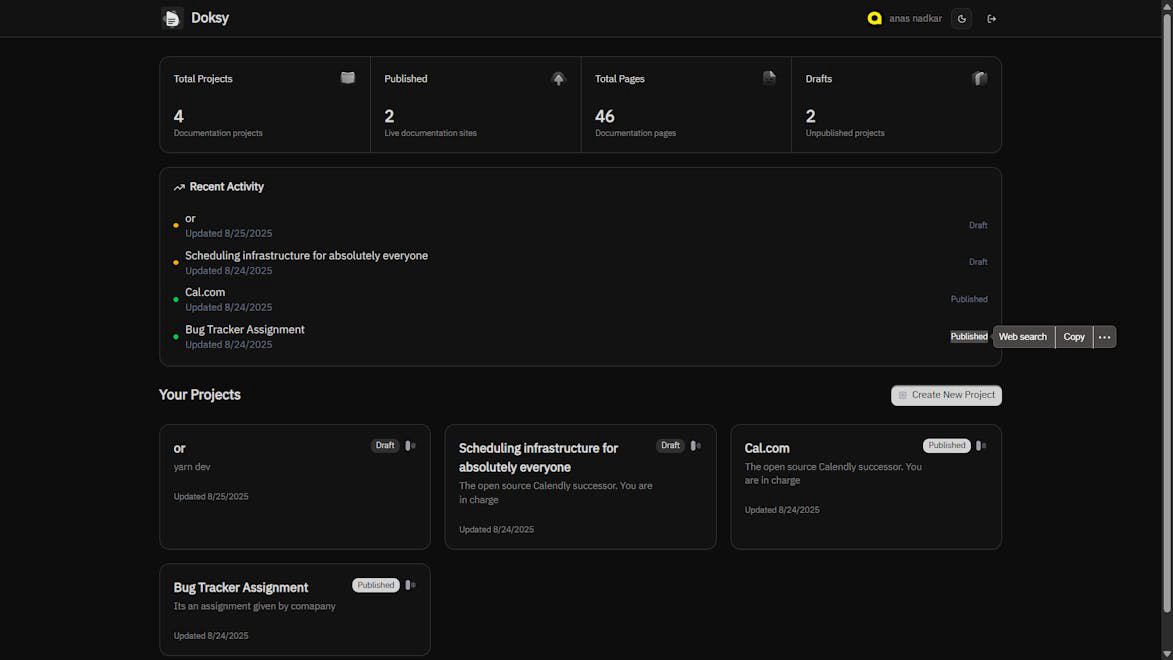
1. Connect your GitHub account. 2. Select a repository to create a project. 3. Edit your documentation using the live preview editor. 4. Deploy and publish your documentation site.
Core features of Doksy:
1️⃣
One-click README to Docs
2️⃣
Live Preview Editor
3️⃣
Custom Domain Support
4️⃣
GitHub Integration
5️⃣
Instant updates
Why could be used Doksy?
| # | Use case | Status | |
|---|---|---|---|
| # 1 | Developers creating documentation for their projects | ✅ | |
| # 2 | Teams needing to share structured documentation | ✅ | |
| # 3 | Open source projects wanting to enhance their README files | ✅ | |
Who developed Doksy?
Doksy is developed by Anas Nadkar, focusing on providing tools for developers to enhance their documentation experience.