Goto - Personal and team link shortcuts
Turn long links into memorable shortcuts that save time
Listed in categories:
Chrome ExtensionsProductivityMaker Tools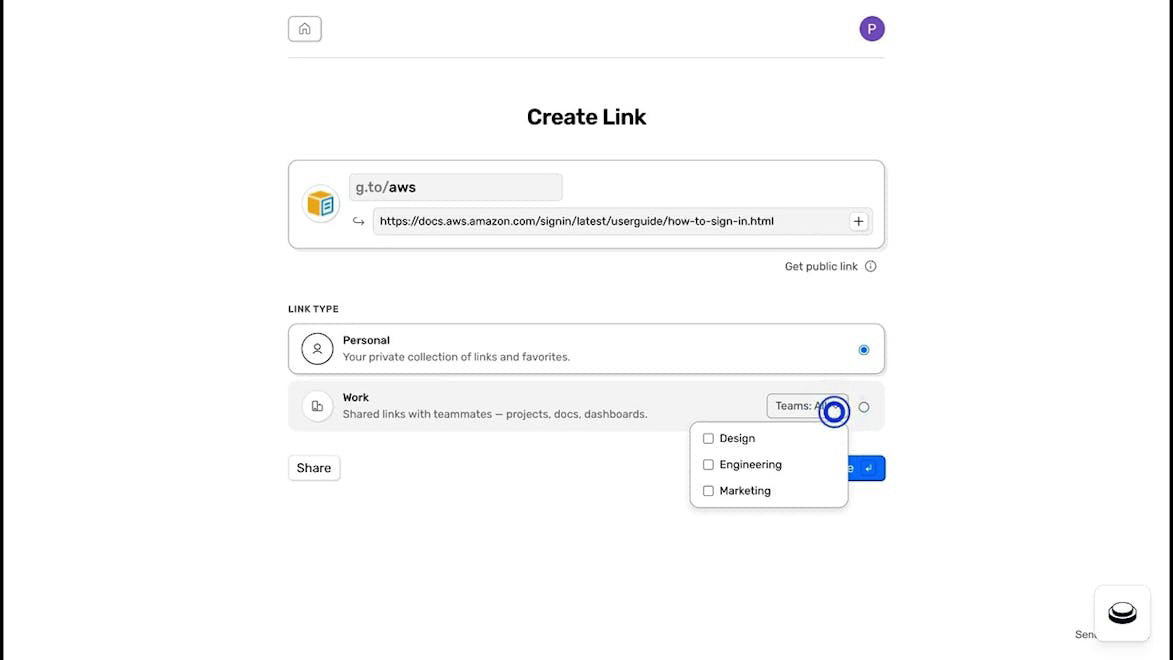

Description
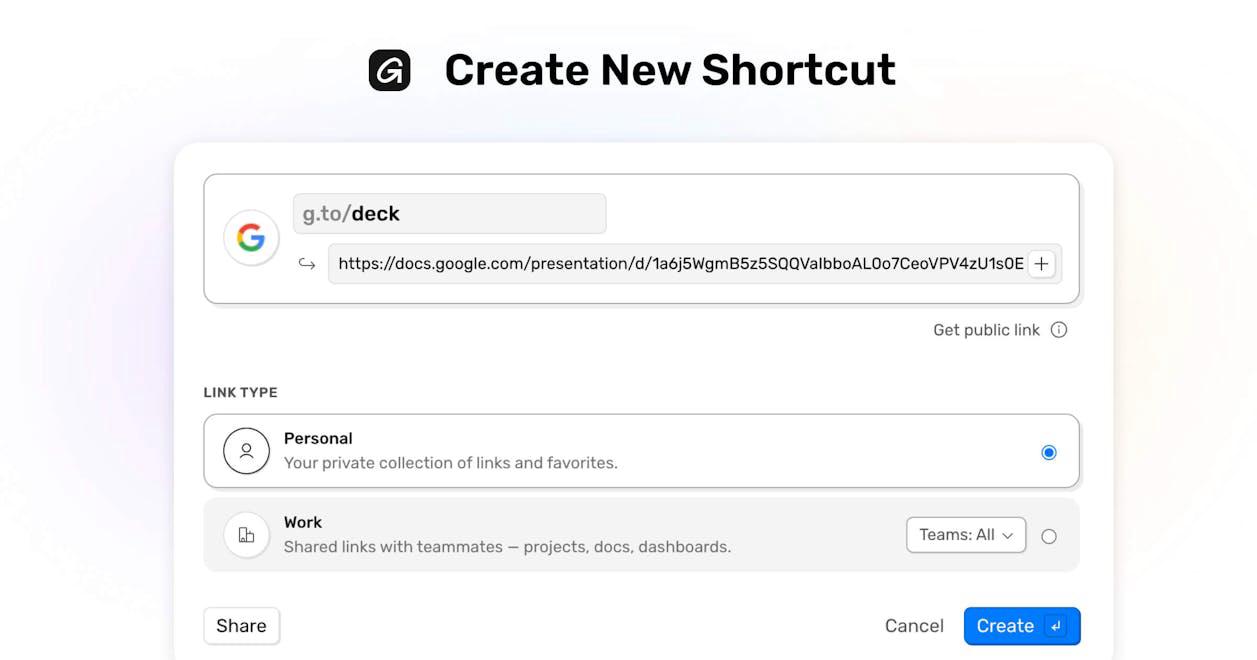
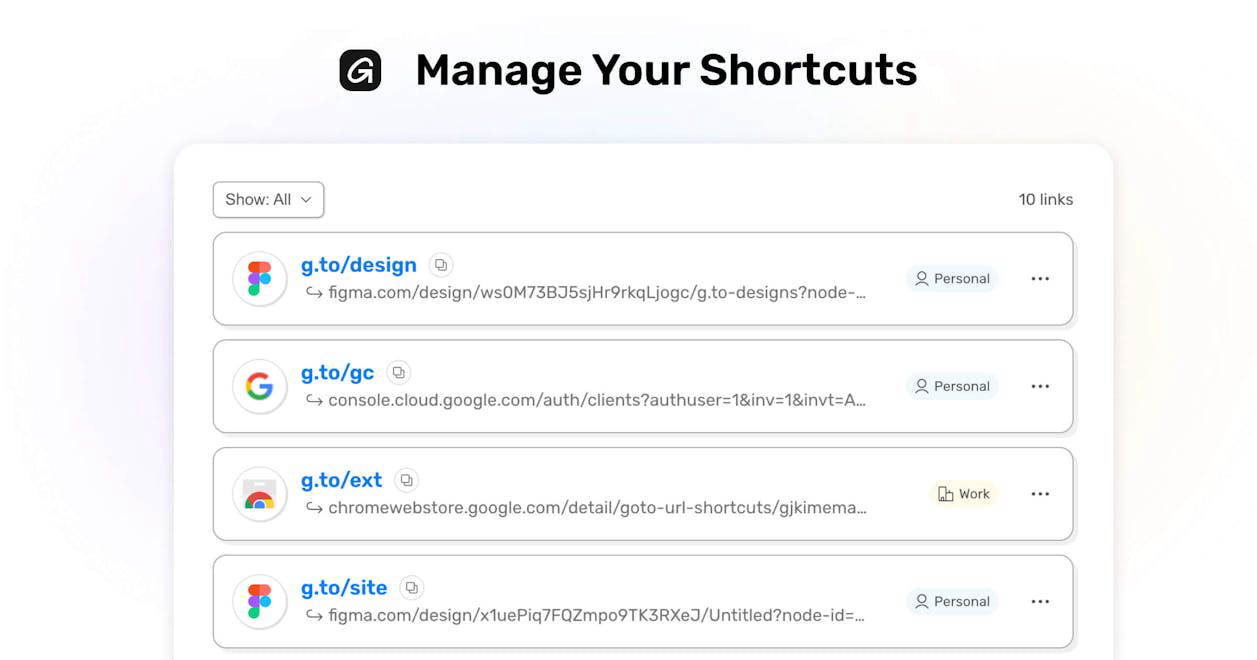
Goto is a private link shortener designed to streamline access to important links for teams and organizations. It allows users to create one-word shortcuts for any link, making it easy to navigate to documents, dashboards, and other resources without the hassle of searching through emails or channels.
How to use Goto - Personal and team link shortcuts?
Sign up with your work email to create shared shortcuts, build shortcuts for teams or personal use, navigate instantly using the browser or Chrome Extension, and share shortcuts privately or publicly.
Core features of Goto - Personal and team link shortcuts:
1️⃣
Create one-word shortcuts for any link
2️⃣
Share shortcuts with team members or publicly
3️⃣
Add multiple destinations to a single shortcut
4️⃣
Use variables to create dynamic links
5️⃣
Access shortcuts instantly via browser or Chrome Extension
Why could be used Goto - Personal and team link shortcuts?
| # | Use case | Status | |
|---|---|---|---|
| # 1 | Quickly access frequently used documents and resources | ✅ | |
| # 2 | Share important links with team members without clutter | ✅ | |
| # 3 | Create dynamic links for specific projects or teams | ✅ | |
Who developed Goto - Personal and team link shortcuts?
Goto is developed by Bottomline Ventures, focusing on enhancing productivity and collaboration within teams by simplifying link management.