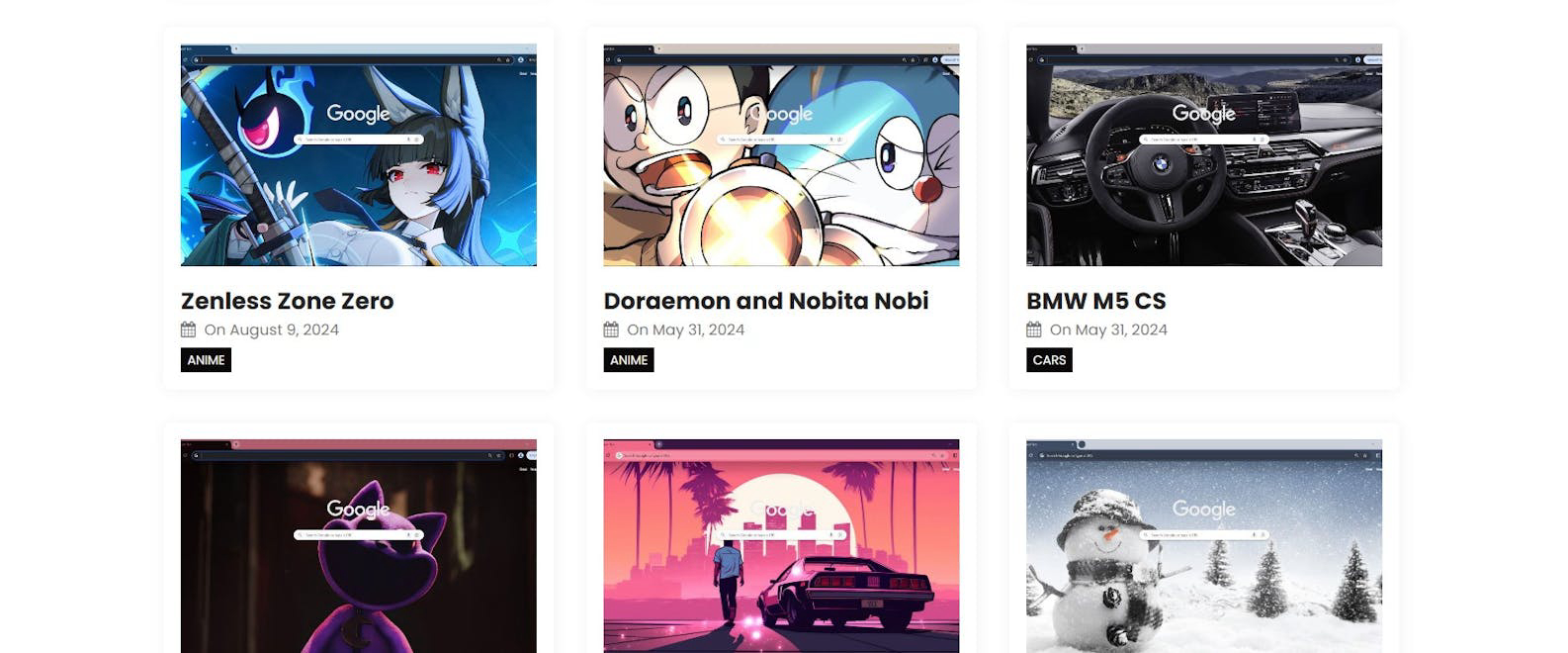

What is GTHEMES?
GThemes.org offers a unique way to personalize your Google Chrome browser with a wide variety of themes. Users can easily find, download, and install themes that reflect their personal style and preferences, enhancing their browsing experience.
How to use GTHEMES
To use GThemes.org, simply browse through the available themes, select one that you like, and follow the instructions to download and install it on your Chrome browser. The themes will automatically apply to your browser, changing its appearance to match your selection.
Core features
- 01Browse a large collection of Chrome themes
- 02Download themes for free
- 03Install themes with a few simple steps
- 04Themes are optimized for various screen sizes
- 05Regular updates with new themes and categories
Use cases
- Personalize your Chrome browser to reflect your mood and style
- Enhance productivity by creating a visually pleasing browsing environment
- Easily switch between themes to keep your browser experience fresh
Who makes GTHEMES
GThemes.org is a dedicated platform created by a team of professionals who specialize in designing high-quality themes for Google Chrome. The site is continuously updated to provide users with the latest and most creative theme options.
Frequently asked questions
How do I install a Chrome theme?
To install a Chrome theme, visit GThemes.org, select a theme you like, and follow the provided instructions to download and apply it to your browser.
Are the themes free?
Yes, all themes available on GThemes.org are free to download and use.
Will changing themes affect my Chrome account?
No, changing themes will not affect your Chrome account or any of your saved data.
Can I use these themes on other browsers?
The themes are primarily designed for Google Chrome but can also be installed on the Microsoft Edge browser.
How often are new themes added?
New themes are added regularly, and the categories are constantly updated to provide fresh options.
What screen resolutions are supported?
The background images are suitable for screens with a resolution of up to 1920x1080.
How can I stay updated on new themes?
You can subscribe to the GThemes.org newsletter or follow their Telegram channel for the latest updates.


