How Did I Login
Never forget how you logged in again
Listed in categories:
Browser ExtensionsChrome Extensions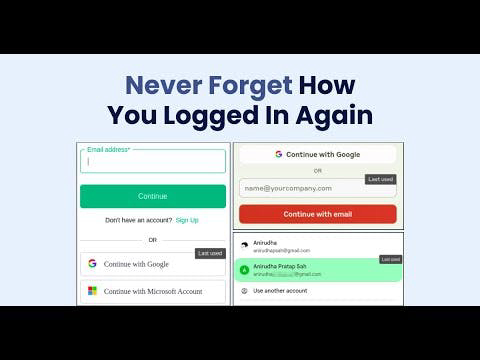


Description
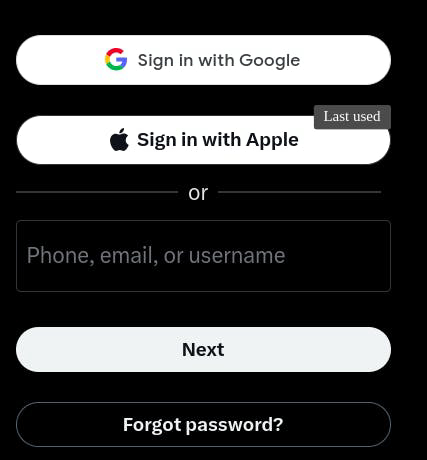
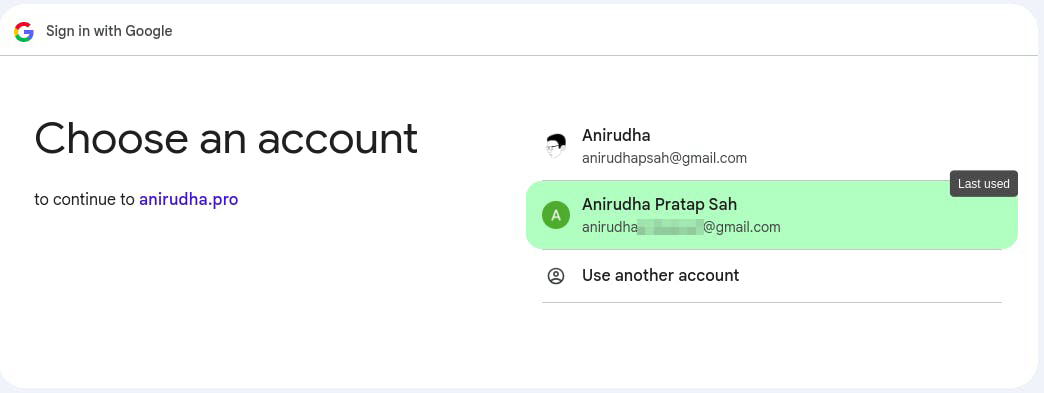
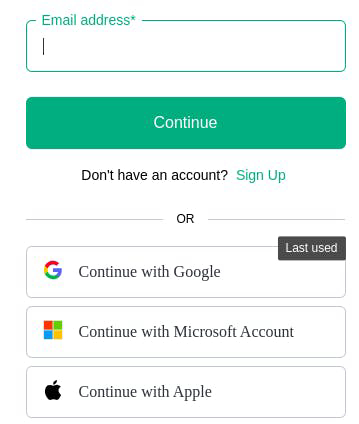
How Did I Login is a browser extension that helps you track and remember your login methods across different websites. It detects and records the method you used to log in, such as Google, Apple, Microsoft, or Email, and marks the last used method for easy access.
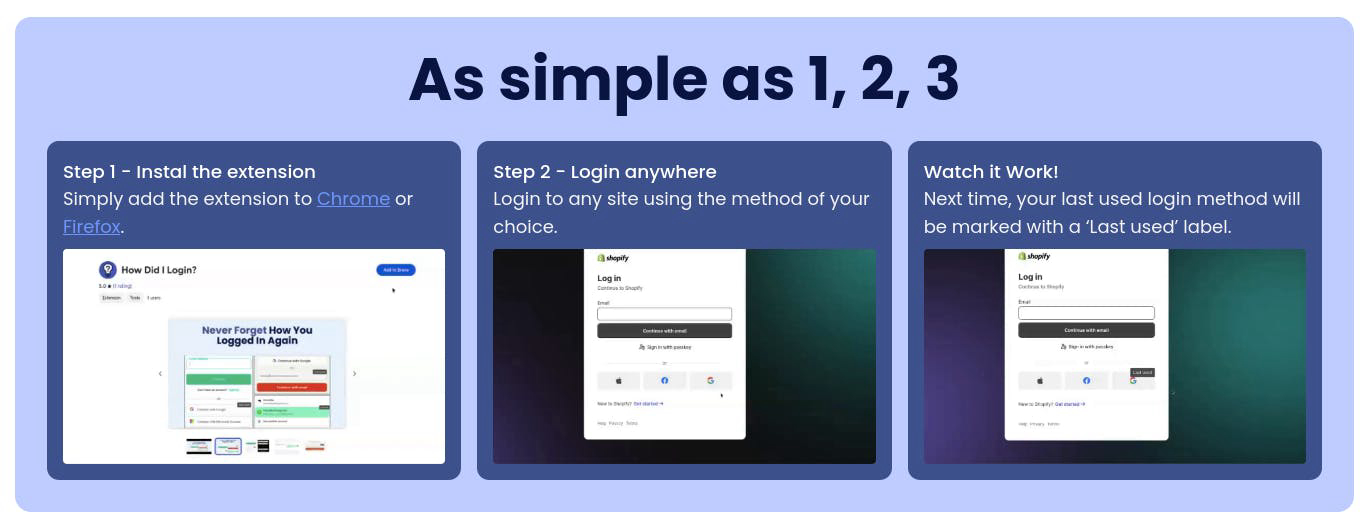
How to use How Did I Login?
To use How Did I Login, simply install the extension on your Chrome or Firefox browser. Then, log in to any site using your preferred method. The next time you visit the site, the extension will display a 'Last used' label next to the method you used previously.
Core features of How Did I Login:
1️⃣
Detects and records login methods used across websites
2️⃣
Marks the last used login method for quick reference
3️⃣
Works with multiple login methods including Google, Apple, and Email
4️⃣
Ensures privacy by storing data locally in the browser
5️⃣
Compatible with Chrome and Firefox browsers
Why could be used How Did I Login?
| # | Use case | Status | |
|---|---|---|---|
| # 1 | Quickly recall how you logged into a website without frustration | ✅ | |
| # 2 | Save time when logging into infrequently visited sites | ✅ | |
| # 3 | Easily manage multiple login methods across different platforms | ✅ | |
Who developed How Did I Login?
How Did I Login is developed by a team focused on enhancing user experience and privacy in online logins. They aim to simplify the login process while ensuring that user data remains secure and private.