Image To Video AI
Unlimited AI Image to Video - Free No Sign Up Image to Video AI
Listed in categories:
AIVideoGenerator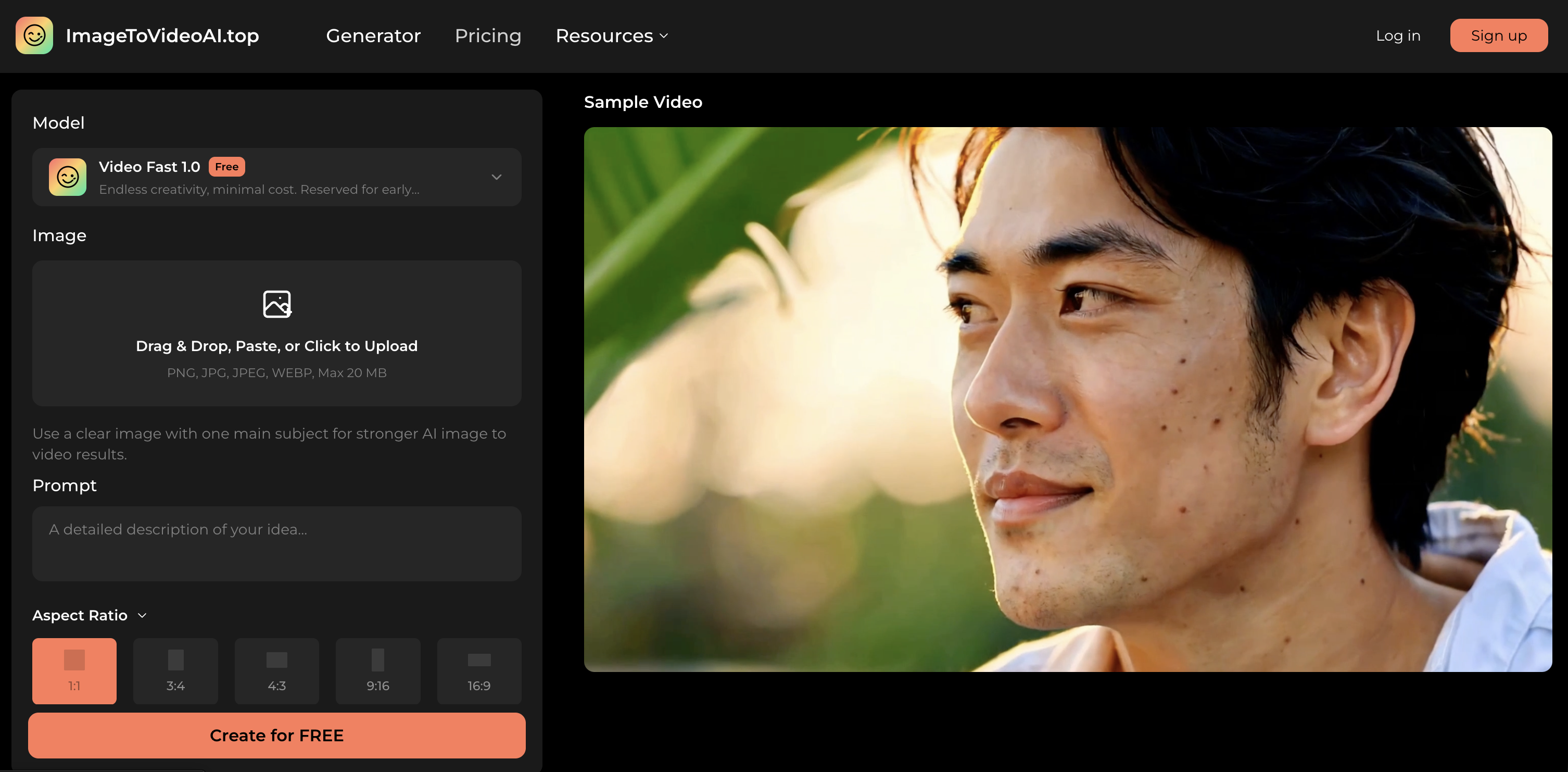
Description
AI image to video turns a single photo, product shot, artwork, or social visual into a short motion clip online. Users can upload an image, describe camera movement, mood, and subject action, then generate a free no sign up image to video AI preview before choosing higher-resolution exports.
How to use Image To Video AI?
To create an AI image to video clip, upload your source image, describe the desired motion and camera behavior, select the aspect ratio, duration, and resolution, then generate and preview the video before exporting it.
Core features of Image To Video AI:
1️⃣
Upload images in various formats (PNG, JPG, JPEG, WEBP) up to 20 MB
2️⃣
Describe motion and camera behavior for the video
3️⃣
Choose aspect ratio, duration, and resolution
4️⃣
Preview the generated video in the browser
5️⃣
Export higher-quality videos after validation
Why could be used Image To Video AI?
| # | Use case | Status | |
|---|---|---|---|
| # 1 | Create engaging social media content from static images | ✅ | |
| # 2 | Generate quick marketing video drafts for product promotions | ✅ | |
| # 3 | Transform portraits into animated reels for personal branding | ✅ | |
Who developed Image To Video AI?
ImageToVideoAI.top is a platform designed to simplify the process of turning static images into dynamic video clips, focusing on user-friendly workflows and fast creative checks without the need for account sign-up.