
What is InstaBoosterAI?
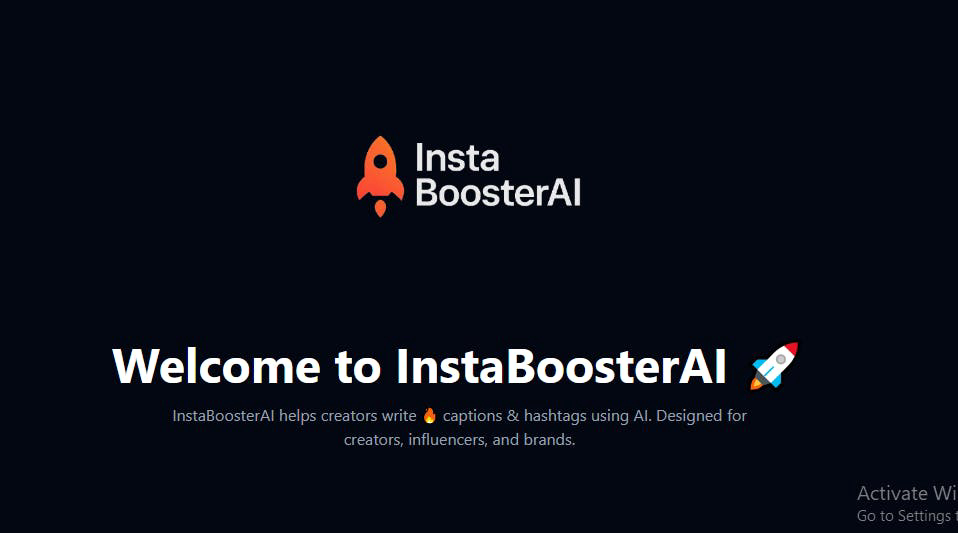
InstaBoosterAI is an innovative tool designed to assist creators, influencers, and brands in generating captivating captions and effective hashtags using artificial intelligence. With its user-friendly interface and powerful features, InstaBoosterAI aims to enhance social media engagement and streamline content creation.
How to use InstaBoosterAI
To use InstaBoosterAI, simply log in or sign up, input your content ideas, and let the AI generate captions and hashtags for you. You can save your favorites to your dashboard and schedule posts directly for convenience.
Core features
- 01AI-generated Captions
- 02Hashtag Suggestions
- 03Daily Request Limits
- 04Save to Dashboard
- 05Multilanguage Support
Use cases
- Content creation for social media posts
- Enhancing engagement on Instagram
- Scheduling posts for optimal reach
Who makes InstaBoosterAI
InstaBoosterAI is developed by Kalyan, who is dedicated to providing creators with tools that enhance their social media presence and engagement.
Frequently asked questions
What is InstaBoosterAI?
InstaBoosterAI is a tool that helps creators generate captions and hashtags using AI.
Who can use InstaBoosterAI?
It is designed for creators, influencers, and brands looking to enhance their social media engagement.
How does the AI generate captions?
The AI analyzes your input and creates smart, engaging captions tailored to your content.
Are there any limits on usage?
Yes, there are daily request limits to ensure fair use and fast performance for all users.
Can I save my generated content?
Yes, you can easily save generated captions and hashtags to your dashboard.
Is there a dark mode feature?
Yes, InstaBoosterAI is designed to look stunning in dark mode.
What is the Pro Plan?
The Pro Plan, coming soon, will unlock unlimited generations and additional features.


