Instagram Comments Scraper
Export IG Post Comments to CSV/Excel!
Listed in categories:
Scraper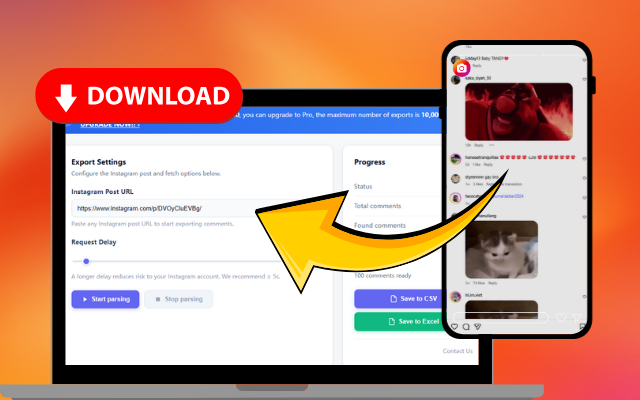
Description
A chrome extension made for people who want to export comments from Instagram posts into Excel/CSV.
How to use Instagram Comments Scraper?
1. Click the extension icon in your browser toolbar to open the popup page. 2. Click the 'Export Instagram Data' button to access the IGTools option page. 3. Input a valid Instagram post URL. 4. Click 'Start parsing' to automatically run the tool and download comments in CSV or Excel format once processing is complete.
Core features of Instagram Comments Scraper:
1️⃣
Export comments from Instagram posts
2️⃣
Download comments in CSV or Excel format
3️⃣
User-friendly interface
4️⃣
Automatic parsing of comments
5️⃣
Supports multiple Instagram posts
Why could be used Instagram Comments Scraper?
| # | Use case | Status | |
|---|---|---|---|
| # 1 | Social media managers analyzing engagement | ✅ | |
| # 2 | Marketers tracking customer feedback | ✅ | |
| # 3 | Researchers gathering data for studies | ✅ | |
Who developed Instagram Comments Scraper?
This extension is developed by a team of passionate developers focused on enhancing social media tools for better data management.