
Description
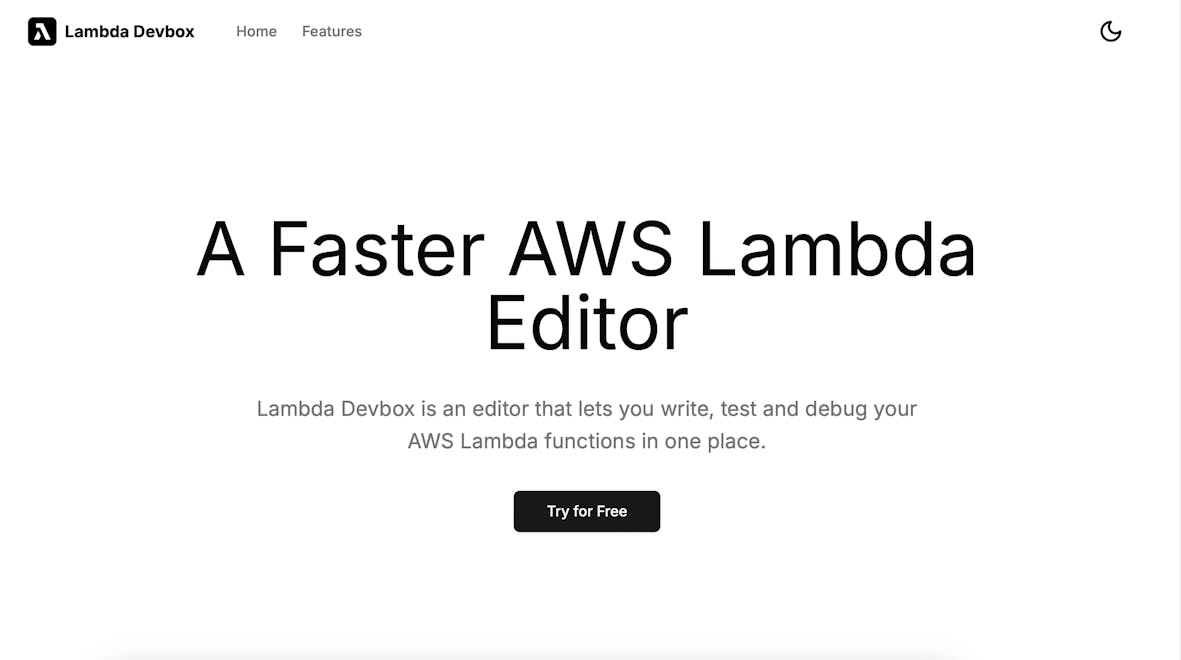
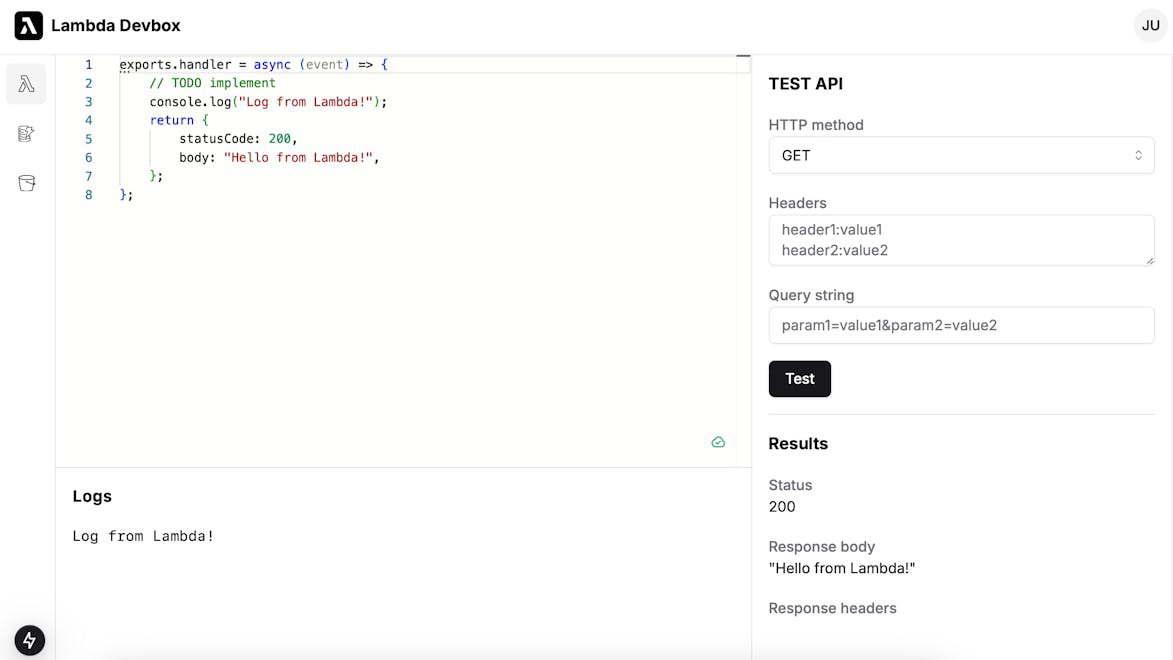
Lambda Devbox is an editor that lets you write, test, and debug your AWS Lambda functions in one place.
How to use Lambda Devbox?
To use Lambda Devbox, simply write your AWS Lambda function code in the editor, run it in the sandbox environment, and utilize the simulation features for S3, DynamoDB, and API Gateway to test your function. You can view real-time logs and debug any errors directly within the editor.
Core features of Lambda Devbox:
1️⃣
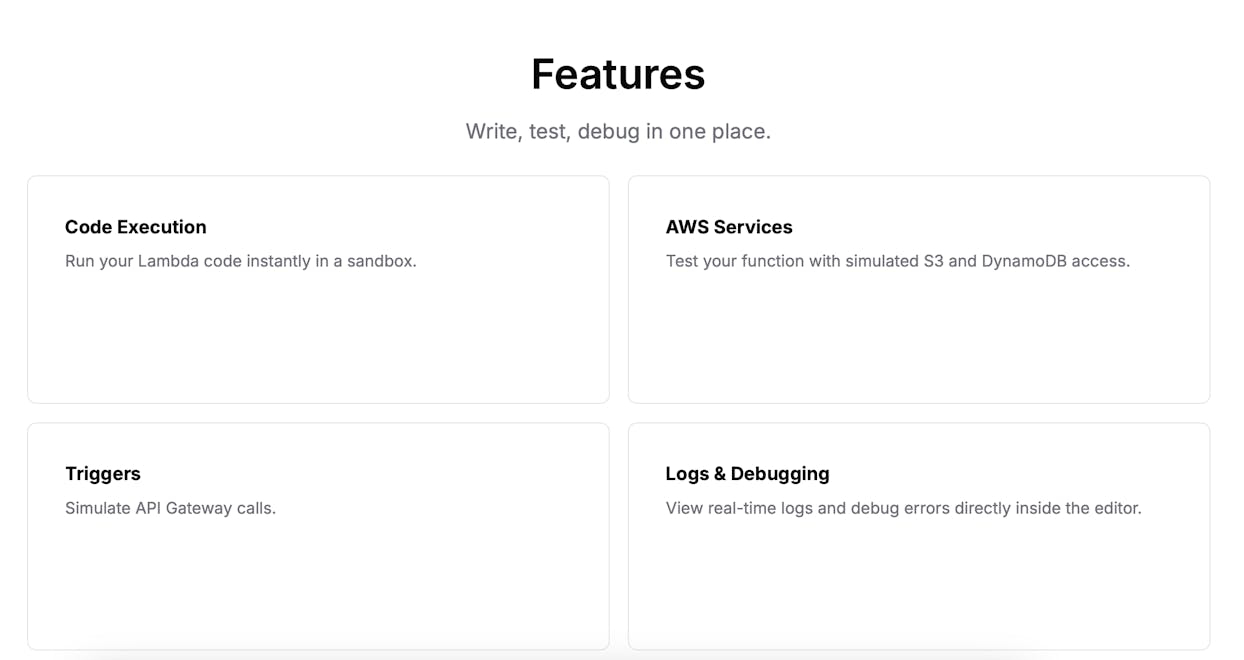
Write, test, and debug AWS Lambda functions in one place
2️⃣
Run Lambda code instantly in a sandbox
3️⃣
Simulate S3 and DynamoDB access for testing
4️⃣
Simulate API Gateway calls for triggers
5️⃣
View real-time logs and debug errors directly inside the editor
Why could be used Lambda Devbox?
| # | Use case | Status | |
|---|---|---|---|
| # 1 | Developing AWS Lambda functions efficiently | ✅ | |
| # 2 | Testing Lambda functions with simulated AWS services | ✅ | |
| # 3 | Debugging Lambda functions with real-time logs | ✅ | |
Who developed Lambda Devbox?
Lambda Devbox is developed by a team focused on enhancing the AWS Lambda development experience, providing tools that streamline the coding, testing, and debugging processes for developers.