LinkInspector.
Extract links from PDFs and websites – looking for feedback!
Listed in categories:
Developer ToolsTechProductivity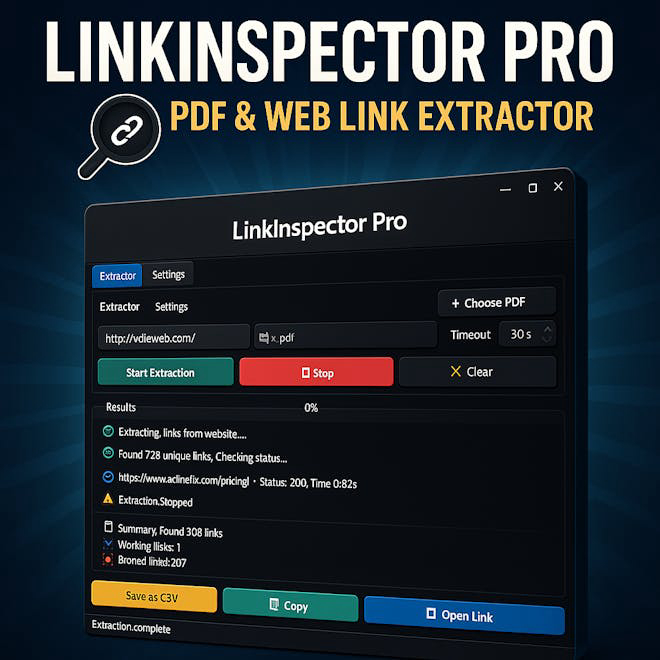

Description
LinkInspector is a powerful lightweight Windows application designed to extract and analyze links from both PDF documents and websites. Whether you're a developer verifying URL integrity, a researcher gathering sources, or a student organizing resources, LinkInspector provides a simple yet advanced toolkit to streamline your work.
How to use LinkInspector.?
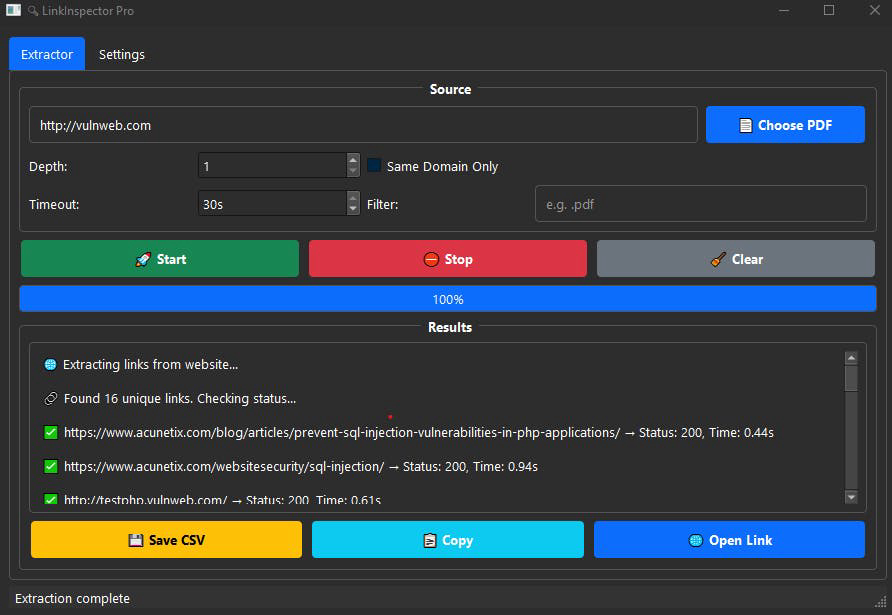
Simply download the standalone executable, run the application, and use the intuitive interface to input your PDF files or website URLs. Configure the crawling depth and timeout settings, then start the extraction process. You can filter results using regex patterns and export the final list to CSV format.
Core features of LinkInspector.:
1️⃣
Extract All Links from PDF Files
2️⃣
Crawl Websites with Configurable Depth
3️⃣
Check Link Status Online & Offline
4️⃣
Filter Results Using Regex Patterns
5️⃣
Export to CSV Format
Why could be used LinkInspector.?
| # | Use case | Status | |
|---|---|---|---|
| # 1 | Students auditing class materials or eBooks for reference links | ✅ | |
| # 2 | Researchers quickly harvesting sources from online journals and web archives | ✅ | |
| # 3 | Webmasters scanning their site for broken links and external references | ✅ | |
Who developed LinkInspector.?
Tarik Dev is the creator of LinkInspector, focusing on developing tools that enhance productivity and streamline workflows for students, researchers, and developers.