

Description
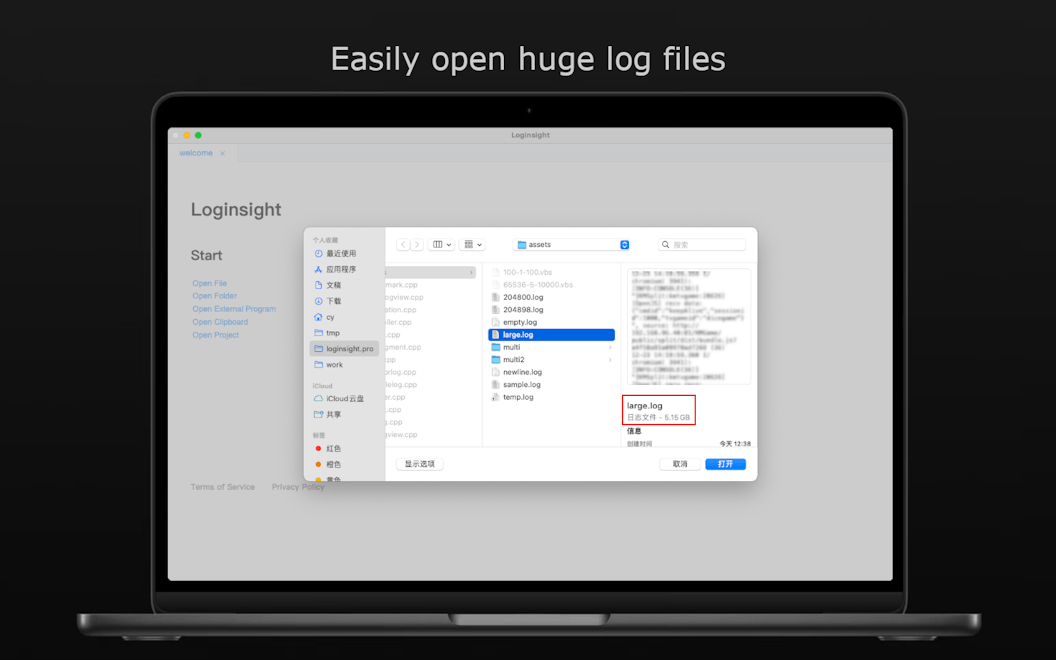
Loginsight is a powerful log analysis tool designed to effortlessly handle large log files, even those at the GB level, while using minimal memory. It offers unique features that enhance the log analysis experience, making it easier for users to manage and interpret their logs effectively.
How to use Loginsight?
To use Loginsight, simply download the app from the Mac App Store, open your large log files, and utilize the various features such as bookmarks, filters, and highlights to analyze your logs efficiently. Save your analysis as a project file to continue later without losing your progress.
Core features of Loginsight:
1️⃣
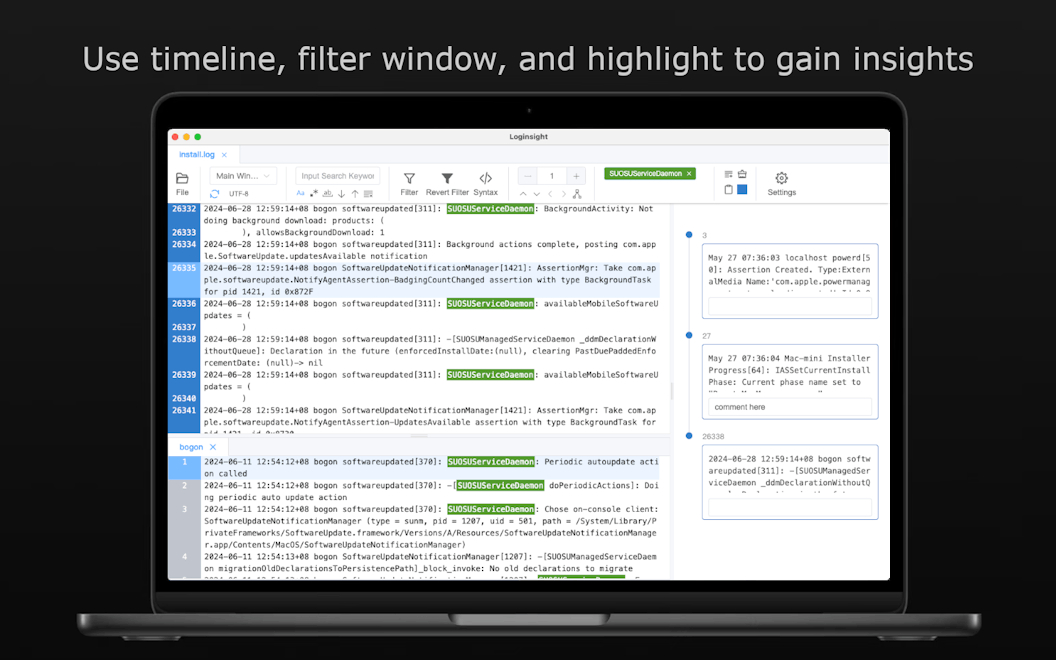
Timeline feature to add bookmarks and comments for specific log lines
2️⃣
Filter window to group related log lines by TAG or module
3️⃣
Highlighting keywords for better visibility
4️⃣
Continuous analysis with project file saving
5️⃣
Ability to open segmented logs as a complete log for effective analysis
Why could be used Loginsight?
| # | Use case | Status | |
|---|---|---|---|
| # 1 | Debugging large applications by analyzing extensive log files | ✅ | |
| # 2 | Monitoring system performance through log analysis | ✅ | |
| # 3 | Collaborating with other developers by sharing timelines and filtered logs | ✅ | |
Who developed Loginsight?
Loginsight is developed by CompileLife, a company focused on creating efficient tools for developers and system administrators to enhance their productivity and streamline their workflows.