Description
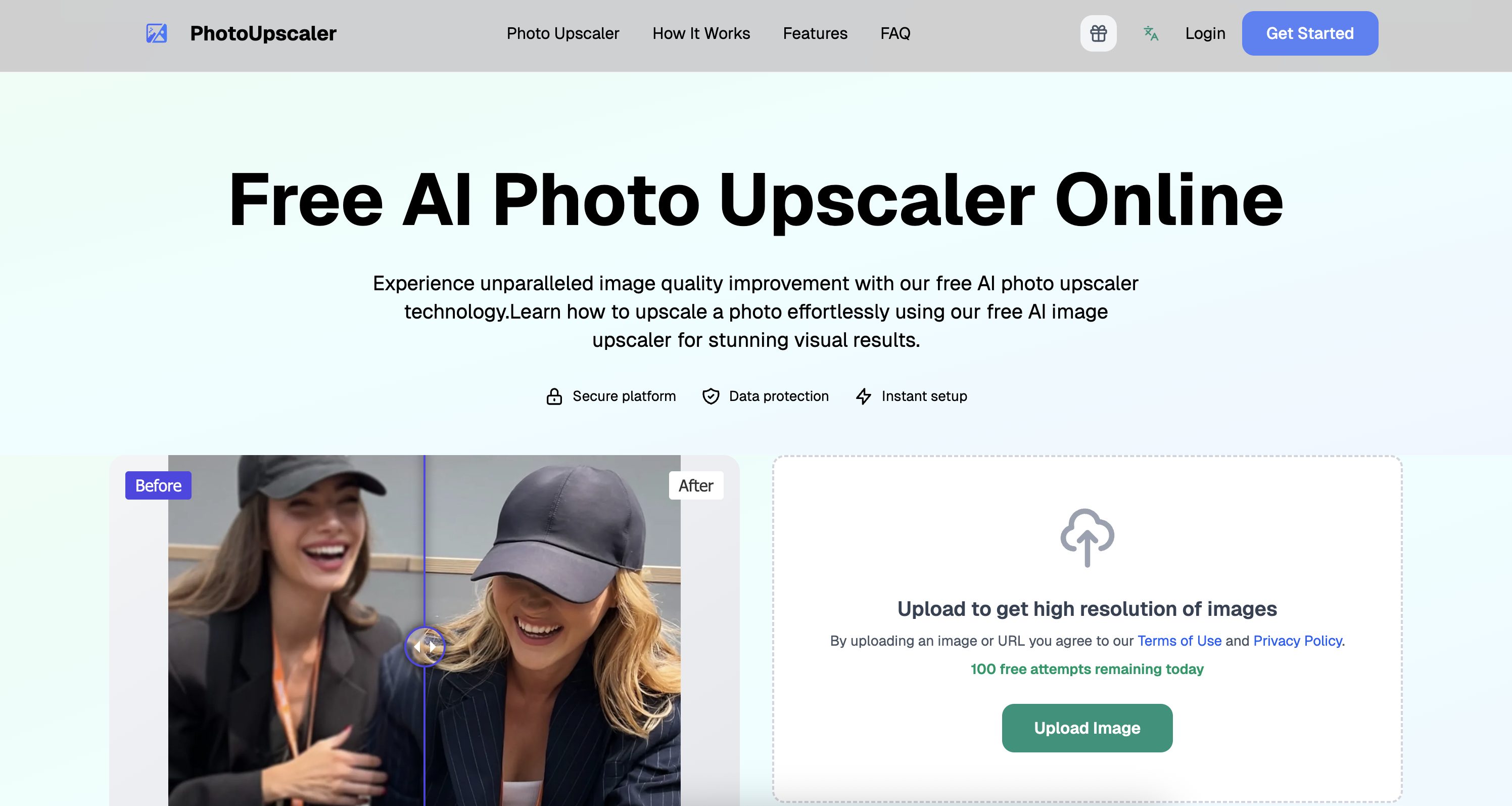
Experience unparalleled image quality improvement with our free AI photo upscaler technology. Learn how to upscale a photo effortlessly using our free AI image upscaler for stunning visual results.
How to use PhotoUpscaler?
Upload your image or URL, let the AI process it automatically, and then download the enhanced high-resolution image.
Core features of PhotoUpscaler:
1️⃣
Instantly enhance image quality up to 2x resolution
2️⃣
Supports various file formats including JPG, PNG, WEBP, and HEIC
3️⃣
AI-driven processing for automatic detail sharpening and noise reduction
4️⃣
Customizable parameters for different image types
5️⃣
Secure and encrypted processing for user privacy
Why could be used PhotoUpscaler?
| # | Use case | Status | |
|---|---|---|---|
| # 1 | Enhancing personal photos for social media | ✅ | |
| # 2 | Improving image quality for professional portfolios | ✅ | |
| # 3 | Restoring old or low-resolution images for printing | ✅ | |
Who developed PhotoUpscaler?
PhotoUpscaler uses cutting-edge AI technology to transform blurry photos into sharp, high-quality images, ensuring professional results for users.