
What is PixelPrep?
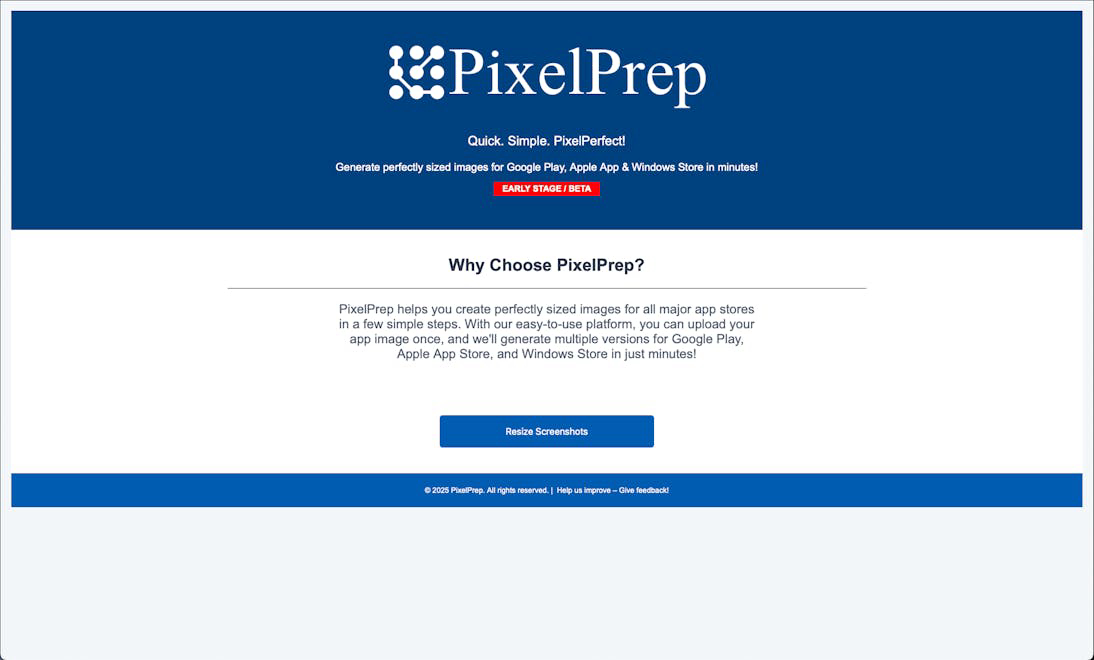
PixelPrep helps you create perfectly sized images for all major app stores in a few simple steps. With our easy-to-use platform, you can upload your app image once, and we'll generate multiple versions for Google Play, Apple App Store, and Windows Store in just minutes.
How to use PixelPrep
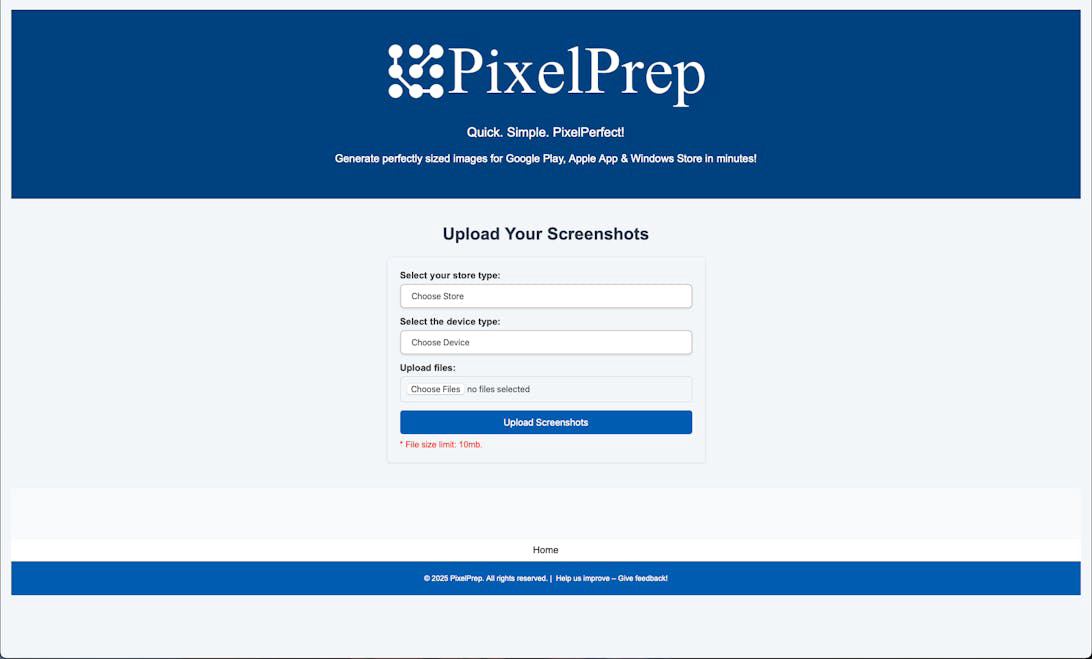
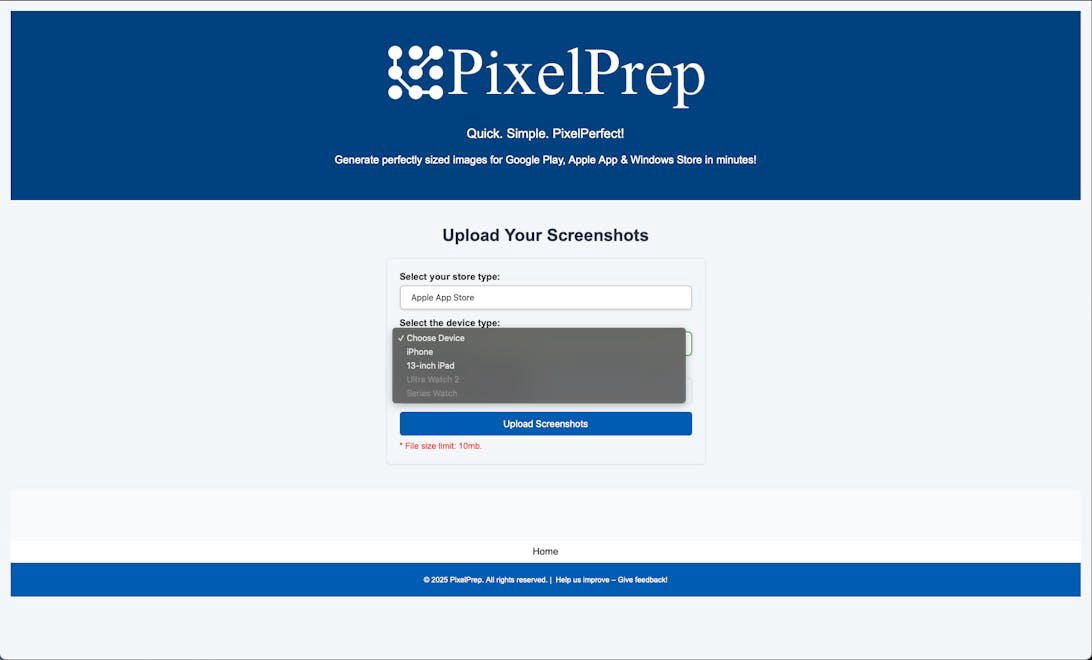
Simply upload your app image to the PixelPrep platform, select the desired app stores, and let the tool generate the correctly sized images for you in minutes.
Core features
- 01Generate perfectly sized images for Google Play, Apple App Store, and Windows Store
- 02Upload app images once and get multiple versions
- 03User-friendly platform for quick image generation
- 04Supports various image sizes and formats
- 05Time-saving solution for app developers
Use cases
- App developers needing to prepare images for multiple app stores
- Marketing teams creating promotional images for apps
- Designers looking for a quick way to resize app screenshots
Who makes PixelPrep
PixelPrep is a dedicated team focused on simplifying the image preparation process for app developers, ensuring that they can efficiently meet the requirements of various app stores.
Frequently asked questions
What is PixelPrep?
PixelPrep is a tool that helps you generate perfectly sized images for Google Play, Apple App Store, and Windows Store.
How does PixelPrep work?
You upload your app image once, and PixelPrep generates multiple versions for different app stores.
Is PixelPrep free to use?
Yes, currently PixelPrep is in the Early Stage Beta and is free to use.
What image formats does PixelPrep support?
PixelPrep supports various image formats, including PNG and JPEG.
Can I provide feedback on PixelPrep?
Yes, we encourage users to give feedback to help us improve the platform.
How long does it take to generate images?
Images are generated in just minutes after uploading.
Is there a limit to the number of images I can upload?
During the beta phase, there are no specified limits on the number of images you can upload.


