What is Plimo?
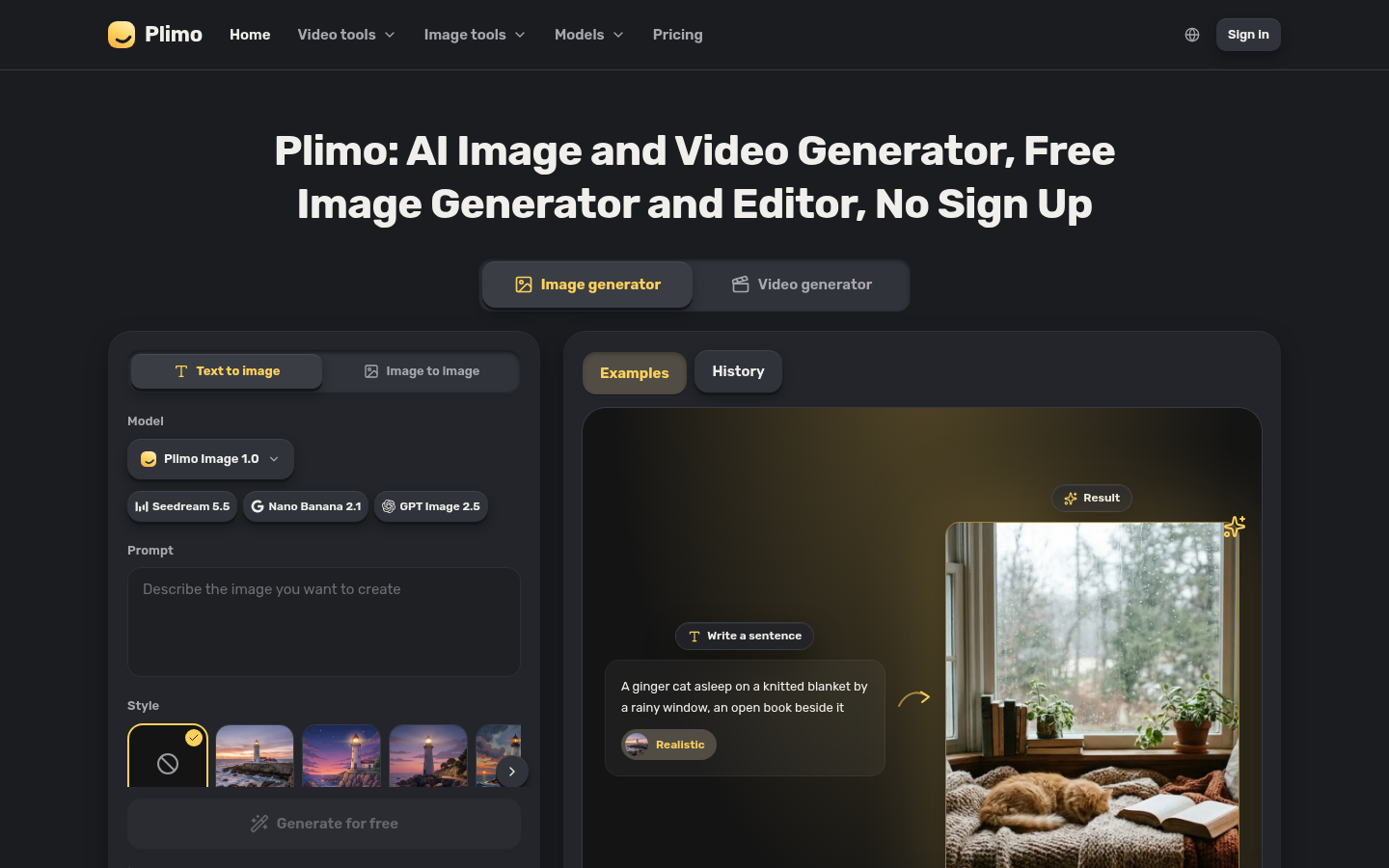
Plimo is an all-in-one AI image and video creation platform. Users can generate and edit images for free with Plimo Image 1.0 without signing up or adding watermarks. Additional models and video tools are available through an account and shared credits, supporting photo animation, text-to-video, virtual makeovers, and template-based effects.
How to use Plimo
Choose an image tool, video tool, or template. Enter a prompt or upload a photo; templates already include prompts and settings. Generate the result, refine it if needed, and download it. Sign in to create videos or access additional models, and optionally use a generated image as the first frame of a video.
Core features
- 01Free text-to-image generation and image editing with Plimo Image 1.0, without registration or watermarks.
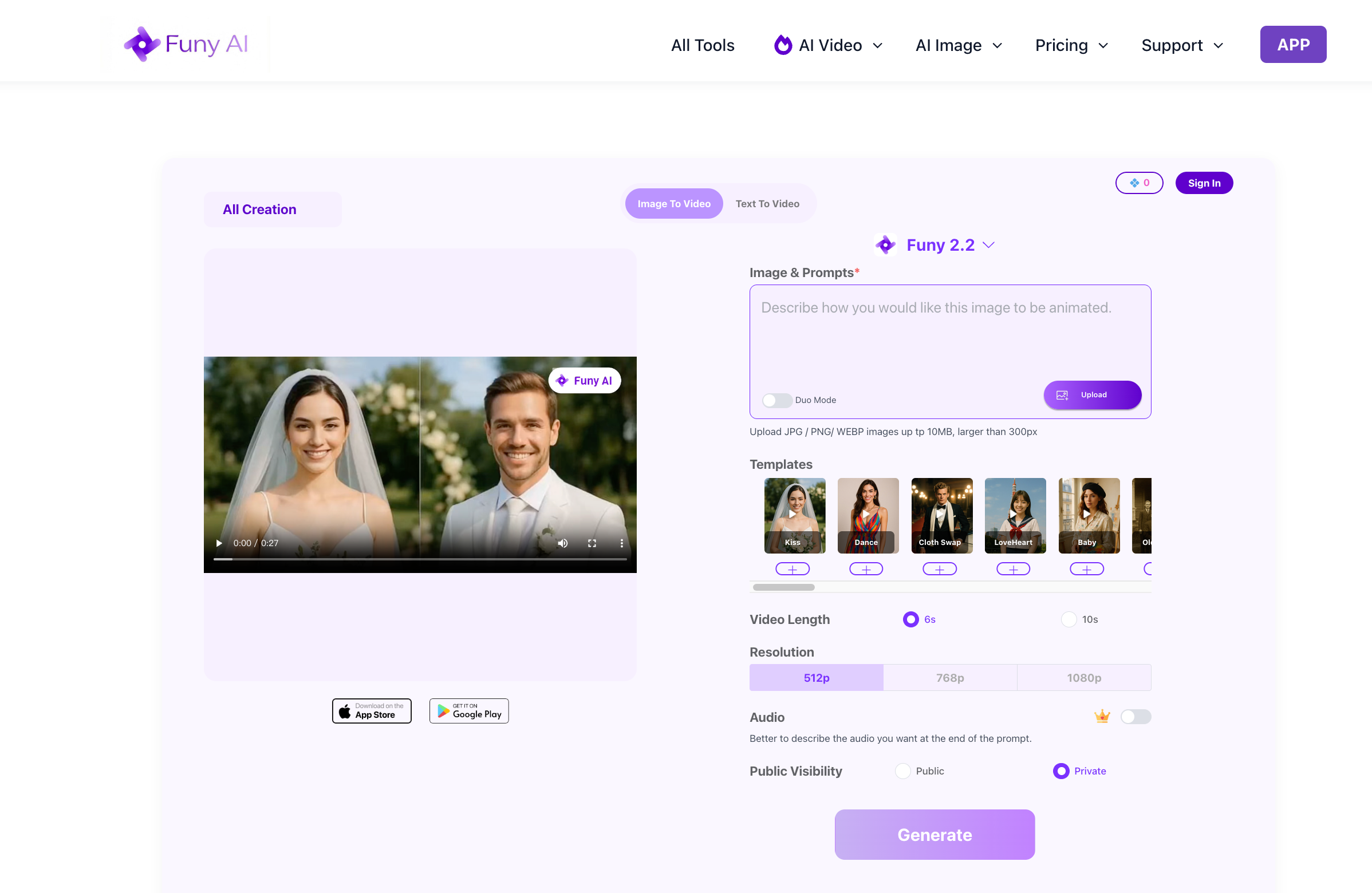
- 02Text-to-video and image-to-video generation, with sound, resolution, and duration options depending on the model.
- 03Photo transformations including restyling, object removal, hairstyle and clothing changes, and professional headshots.
- 04Access to image and video models from providers including Google, OpenAI, ByteDance, Alibaba, and Kuaishou.
- 05Ready-made video templates, dance effects, and motion control using reference videos.
Use cases
- Online sellers can transform basic product photos into polished listing images and promotional visuals.
- Social media creators can generate short videos, animate portraits, and apply trending dance or visual effects.
- Individuals can animate family photos, try new hairstyles or outfits, and create professional profile pictures.
Who makes Plimo
The supplied landing page does not identify Plimo's founder, maker, or operating company. It presents Plimo as a platform combining its own image tool with third-party AI image and video models.
Frequently asked questions
Is Plimo free, and do I need an account?
Image generation and editing with Plimo Image 1.0 are free, require no account, and have no watermark. Videos and other models require signing in with Google or an emailed code and use credits. New accounts receive 100 non-expiring credits.
Can I use generated content commercially?
Commercial use requires a membership. Without membership, results are limited to personal, non-commercial use.
How long does generation take?
Images typically take about 10 seconds and videos about 2 minutes. Longer or higher-resolution videos may take more time. Members receive queue priority.
What resolutions and video lengths are supported?
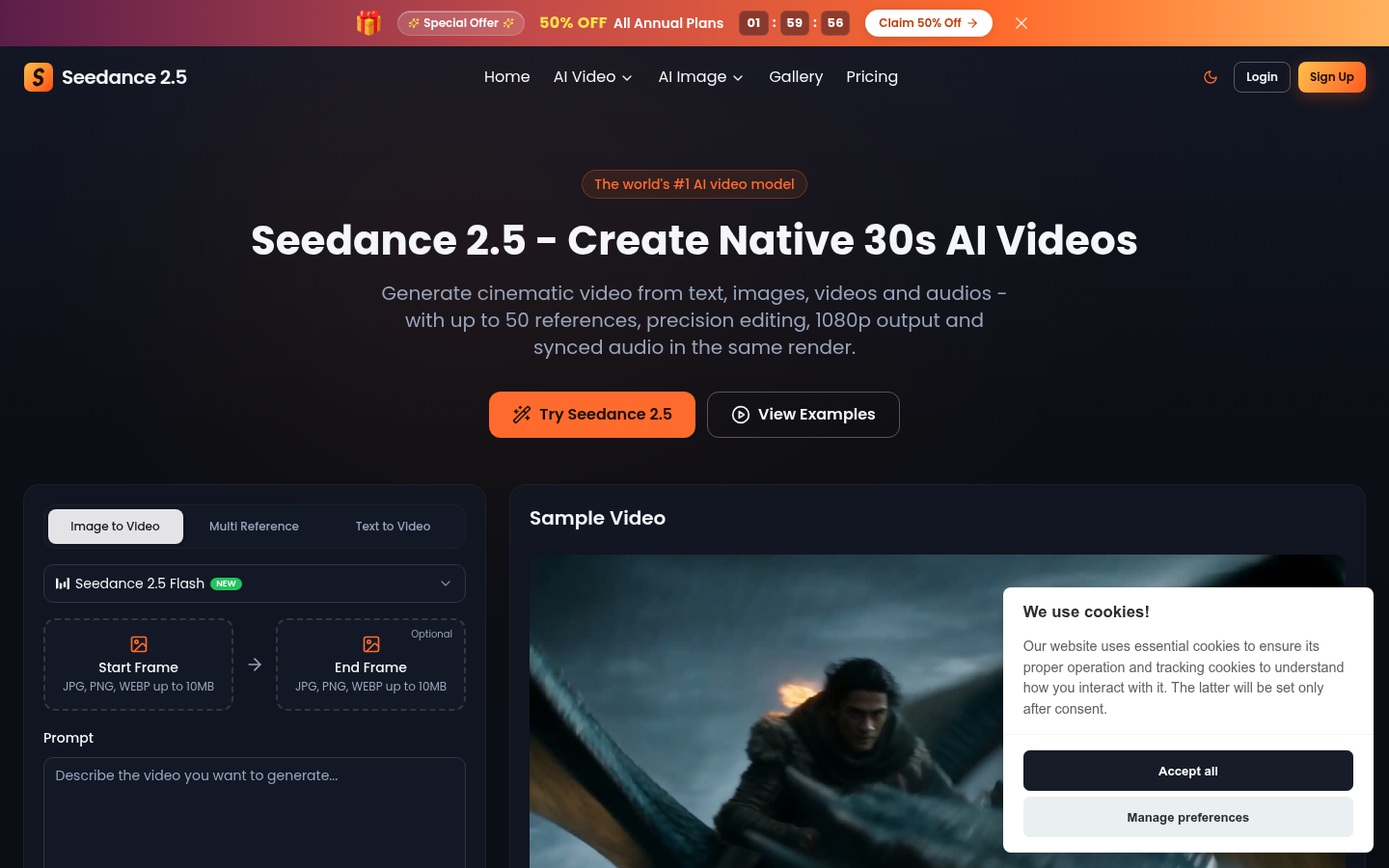
The page lists images up to 4K with Nano Banana 2.1 and GPT Image 2.5, video up to 4K with Veo 3.1 Fast, and clips up to 30 seconds with Kling 4.0, Seedance 2.5, and Wan 3.0.
How long are creations stored?
Creations are kept for 7 days without membership. Members receive longer storage, but the supplied page does not specify the duration.
Does Plimo train AI on my photos?
Plimo states that it does not train models on uploads or generated results. Third-party model providers process requests under their own terms. Plimo also states that deleting an account removes its files.
Are there restrictions on generated content?
Plimo does not support adult content. Users can contact Plimo if they are unsure whether a proposed creation is permitted.