Description
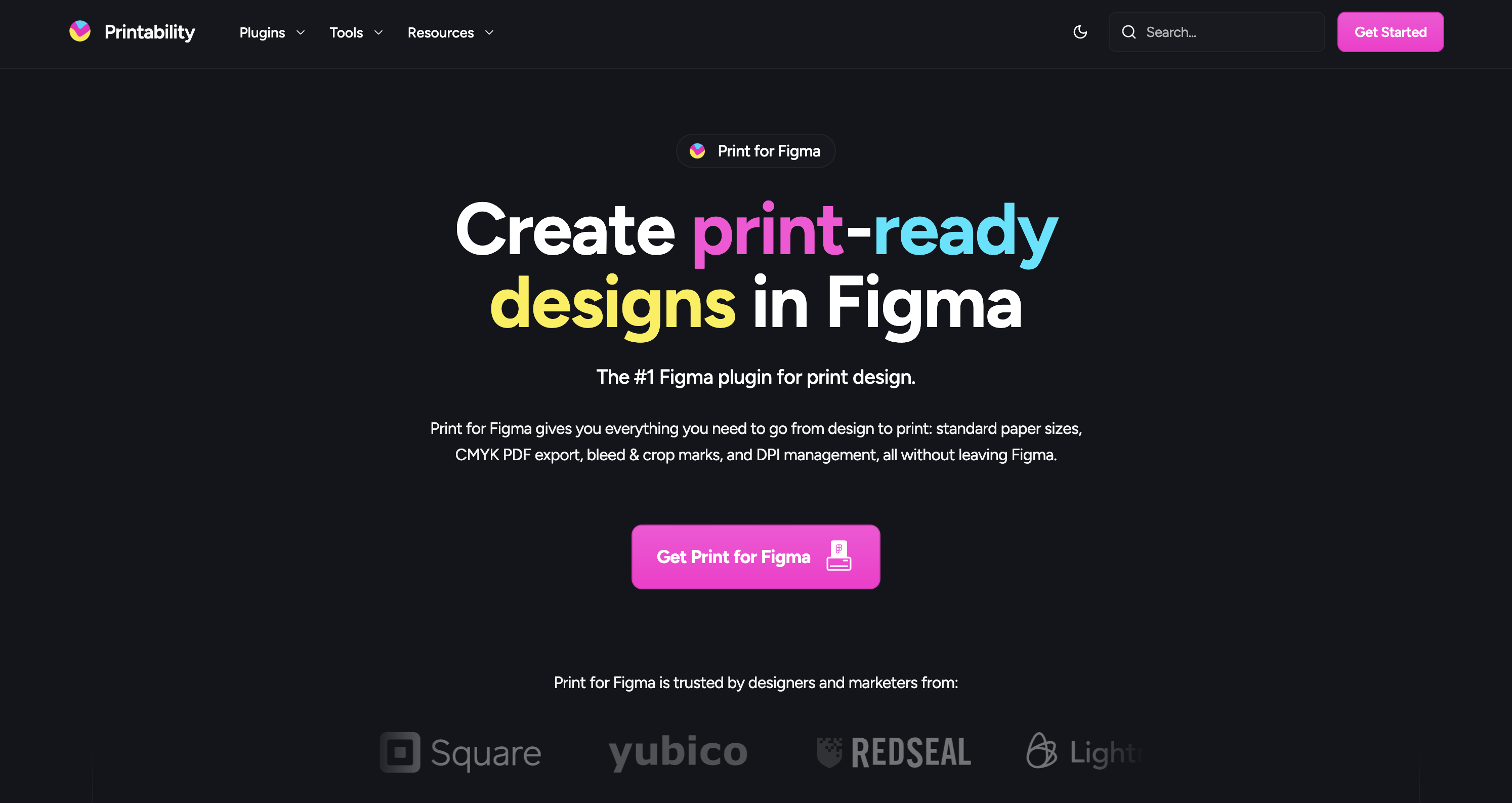
Print for Figma is the #1 Figma plugin designed specifically for print design, enabling users to create print-ready designs directly within Figma. It offers essential features such as standard paper sizes, CMYK PDF export, bleed and crop marks, and DPI management, making the transition from design to print seamless and efficient.
How to use Print for Figma?
To use Print for Figma, open the plugin in your Figma file, set up your print document by choosing a standard size or creating a custom one, design your layout while adhering to bleed guides, and finally export your design as a high-quality, print-ready PDF with all necessary settings configured.
Core features of Print for Figma:
1️⃣
Standard paper size presets (A4, Letter, Business Card, etc.)
2️⃣
CMYK color export for accurate printing
3️⃣
Automatic bleed and crop marks for edge-to-edge printing
4️⃣
DPI checking to ensure print quality
5️⃣
Custom presets for reusable document sizes
Why could be used Print for Figma?
| # | Use case | Status | |
|---|---|---|---|
| # 1 | Designing business cards | ✅ | |
| # 2 | Creating brochures and flyers | ✅ | |
| # 3 | Producing posters and marketing materials | ✅ | |
Who developed Print for Figma?
Printability is a one-person team based in Vancouver, BC, dedicated to enhancing the Figma experience for print designers. The creator, Ben Katz, has developed this plugin to bridge the gap between digital design and print production, making it easier for designers to produce high-quality print materials directly from Figma.