Remove From Video
Remove Watermark & Text from Video Online
Listed in categories:
VideoEditAIWatermark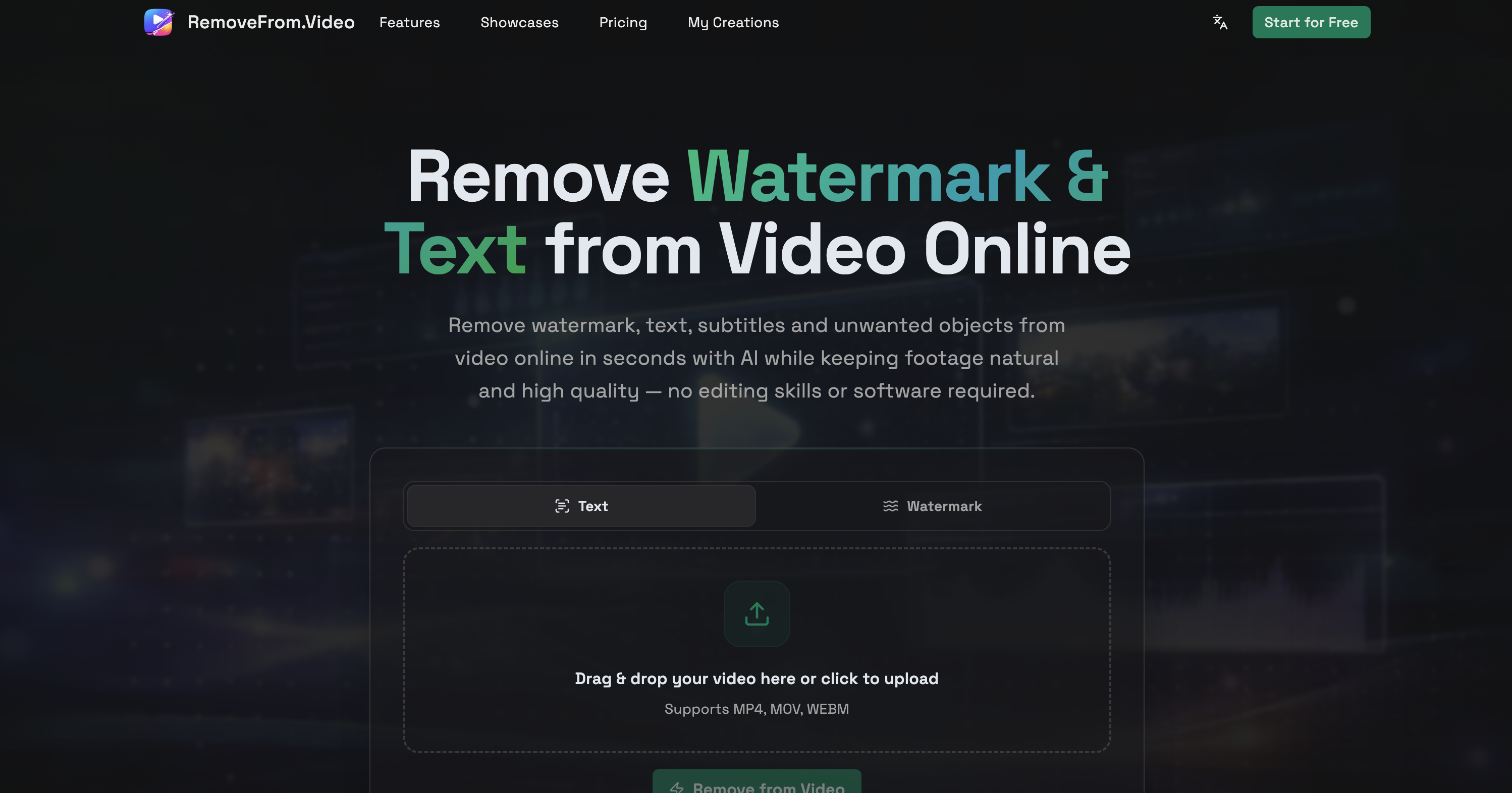
Description
Remove watermark, text, subtitles and unwanted objects from video online in seconds with AI while keeping footage natural and high quality — no editing skills or software required.
How to use Remove From Video?
Upload your video, select the removal mode (watermark, text, subtitles, or objects), click 'Remove from Video', preview the result, and download your cleaned video.
Core features of Remove From Video:
1️⃣
Remove watermark from videos
2️⃣
Erase text and captions from videos
3️⃣
Remove hardcoded subtitles
4️⃣
Eliminate unwanted objects from footage
5️⃣
High-quality output preservation
Why could be used Remove From Video?
| # | Use case | Status | |
|---|---|---|---|
| # 1 | Create cleaner, reusable videos for social media | ✅ | |
| # 2 | Produce professional tutorial and demo videos | ✅ | |
| # 3 | Enhance travel and personal videos for better focus | ✅ | |
Who developed Remove From Video?
RemoveFrom.Video is designed to simplify video editing tasks by utilizing advanced AI technology, making it accessible for creators, marketers, and everyday users without the need for complex software.