Spendtab
Accounting software built for solopreneurs.
Listed in categories:
AccountingBudgetingFintech

Description
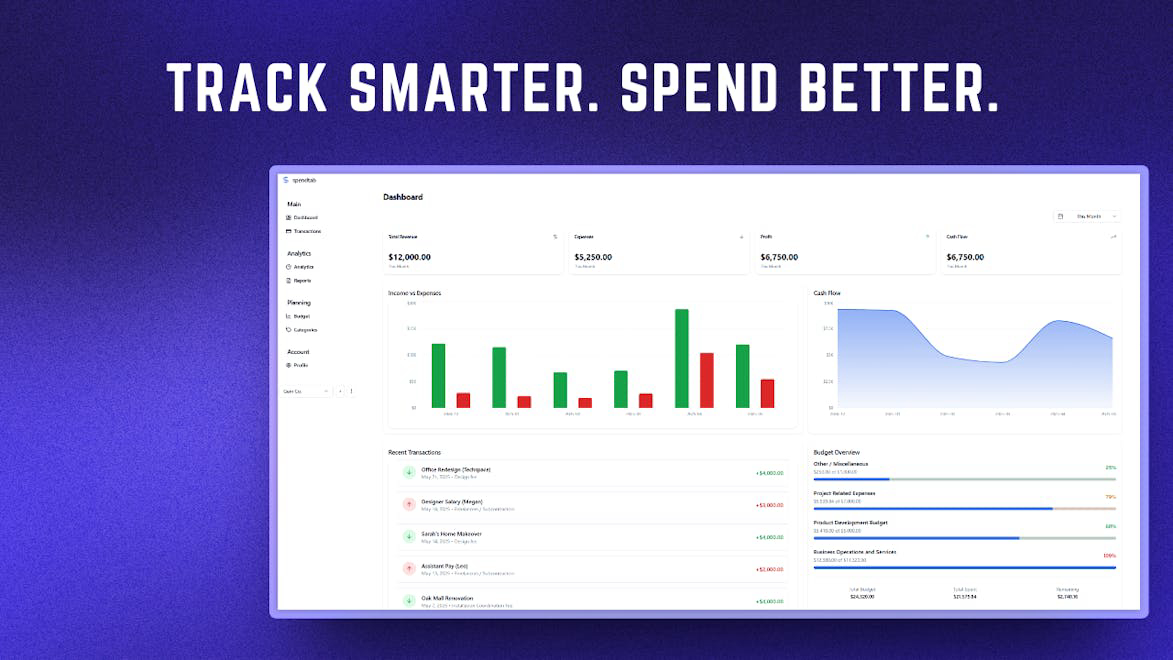
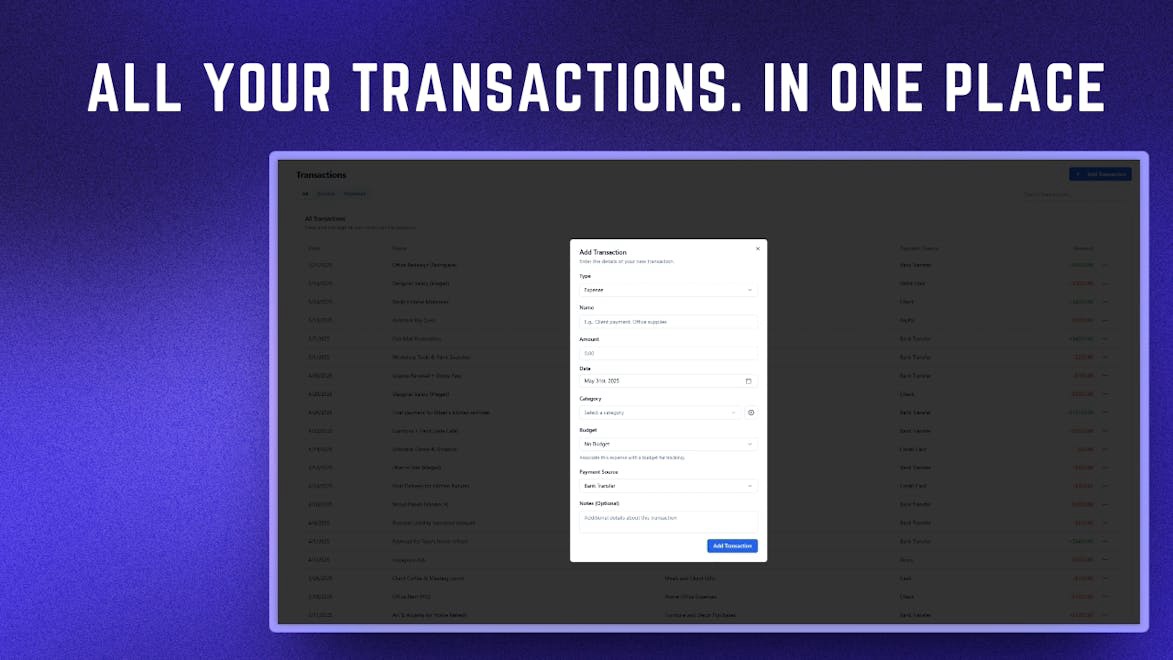
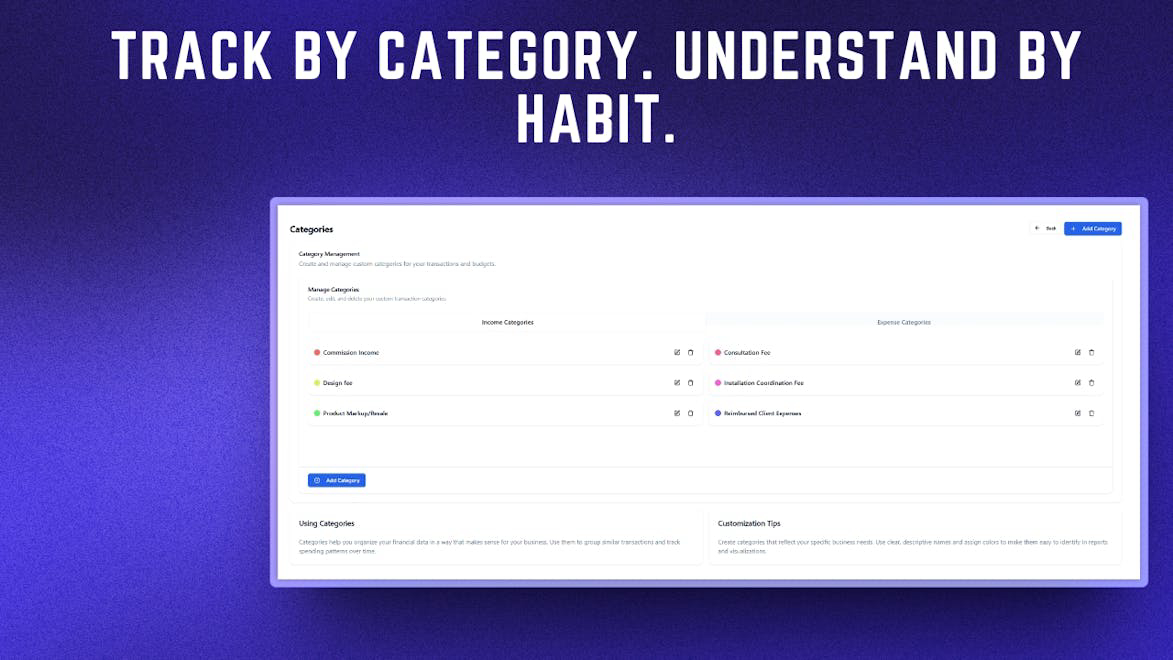
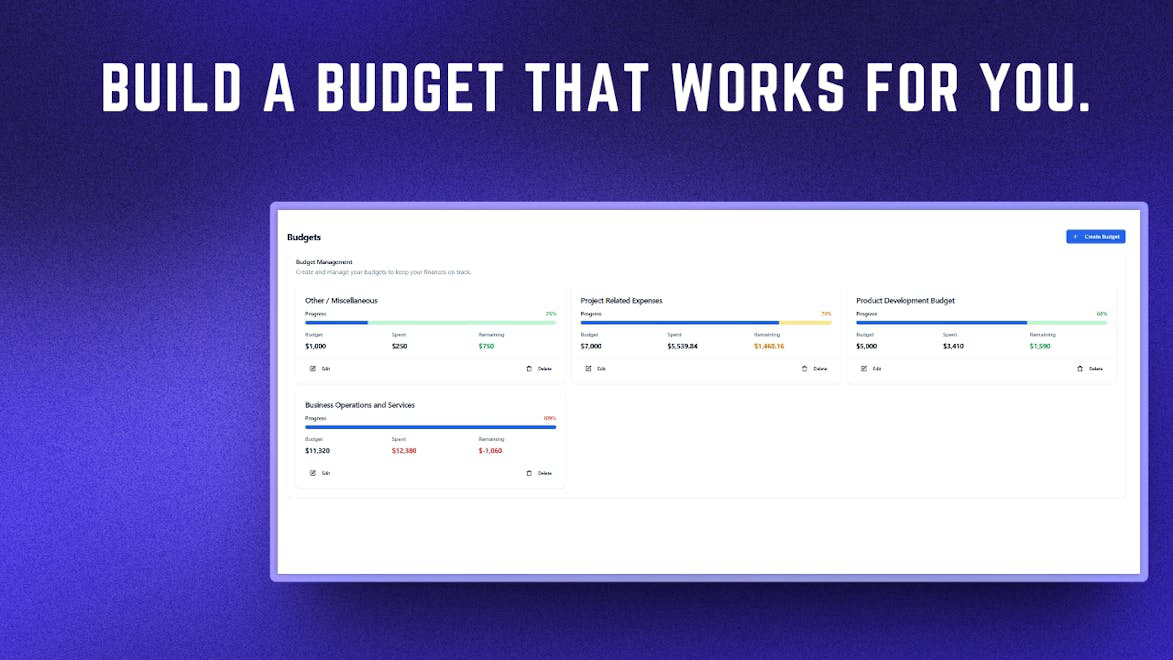
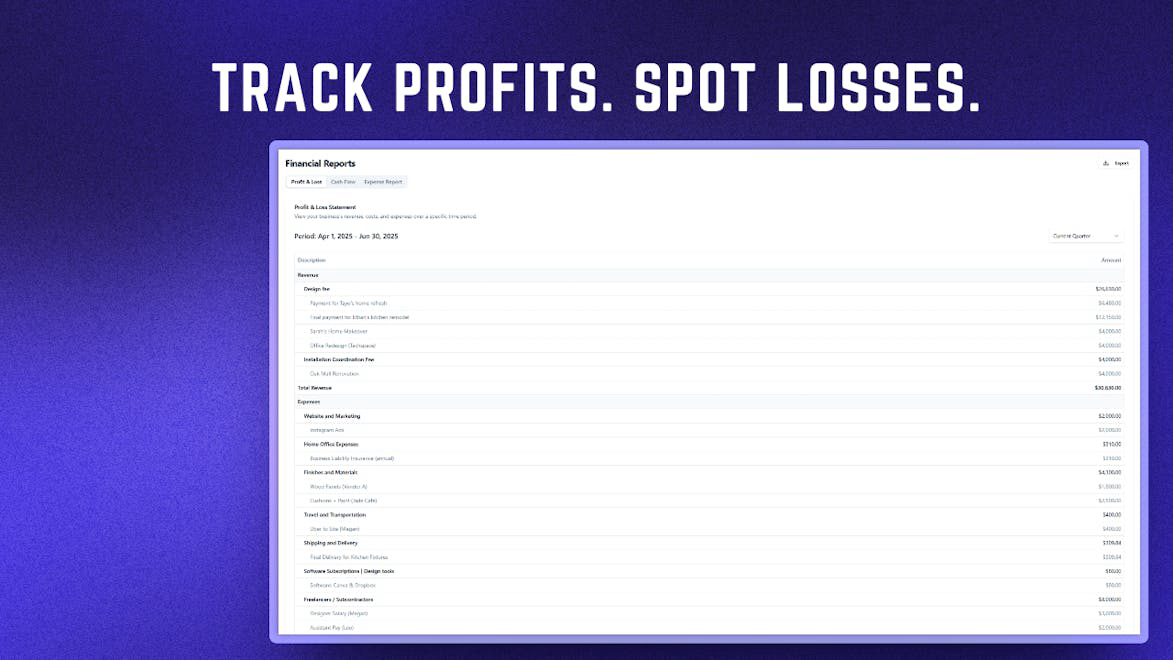
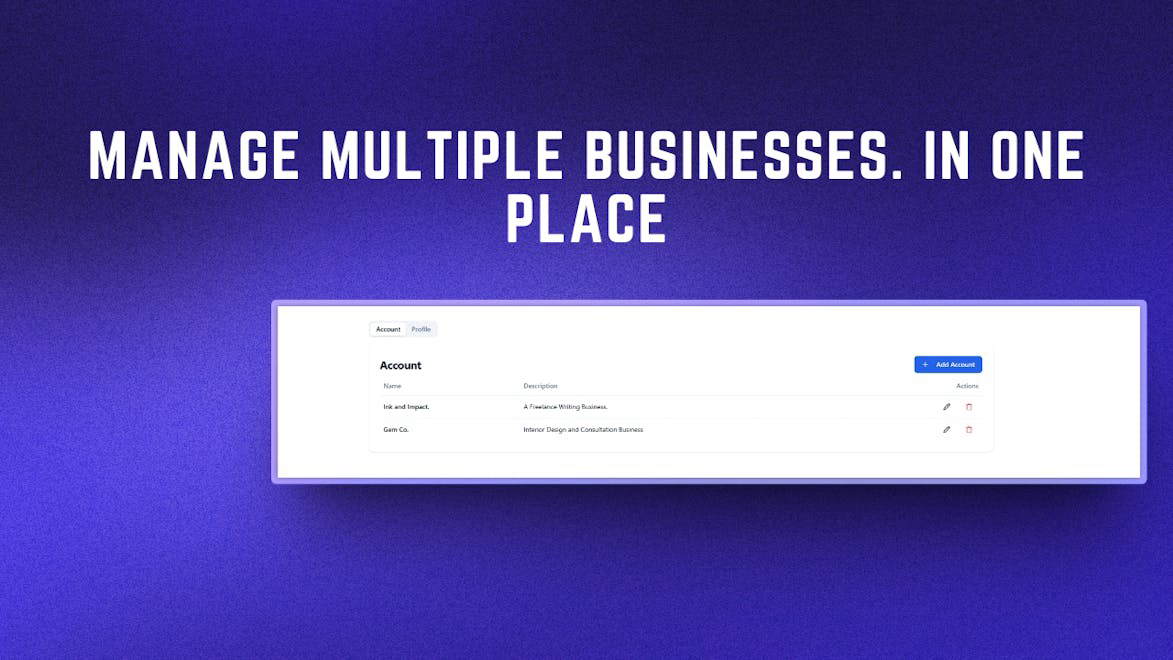
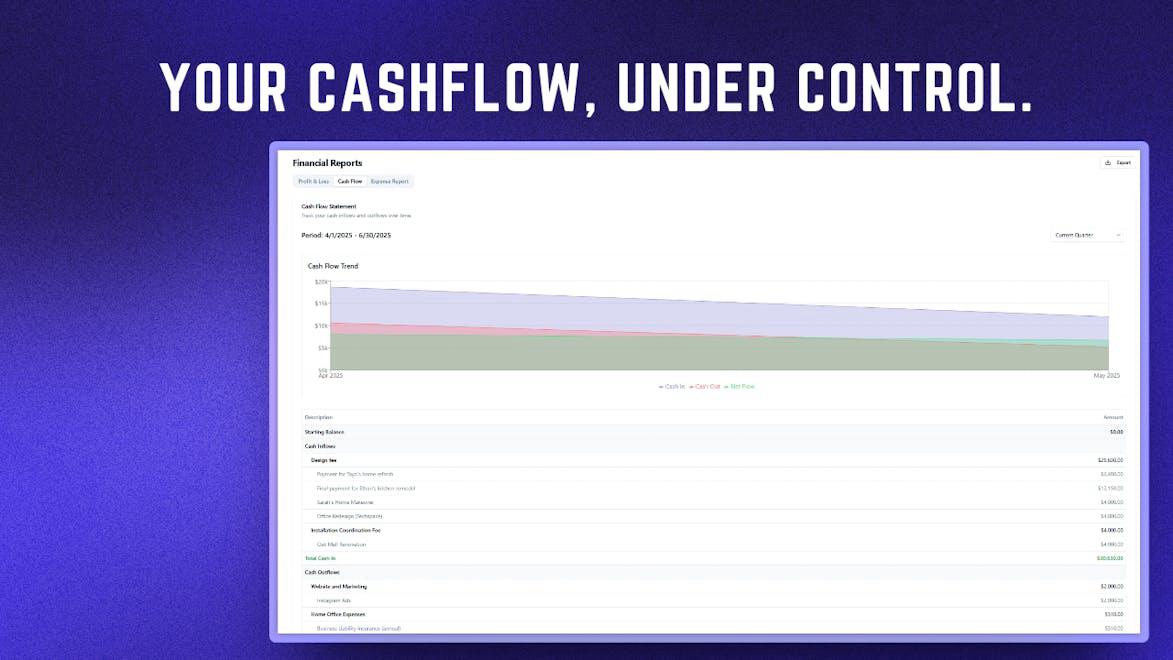
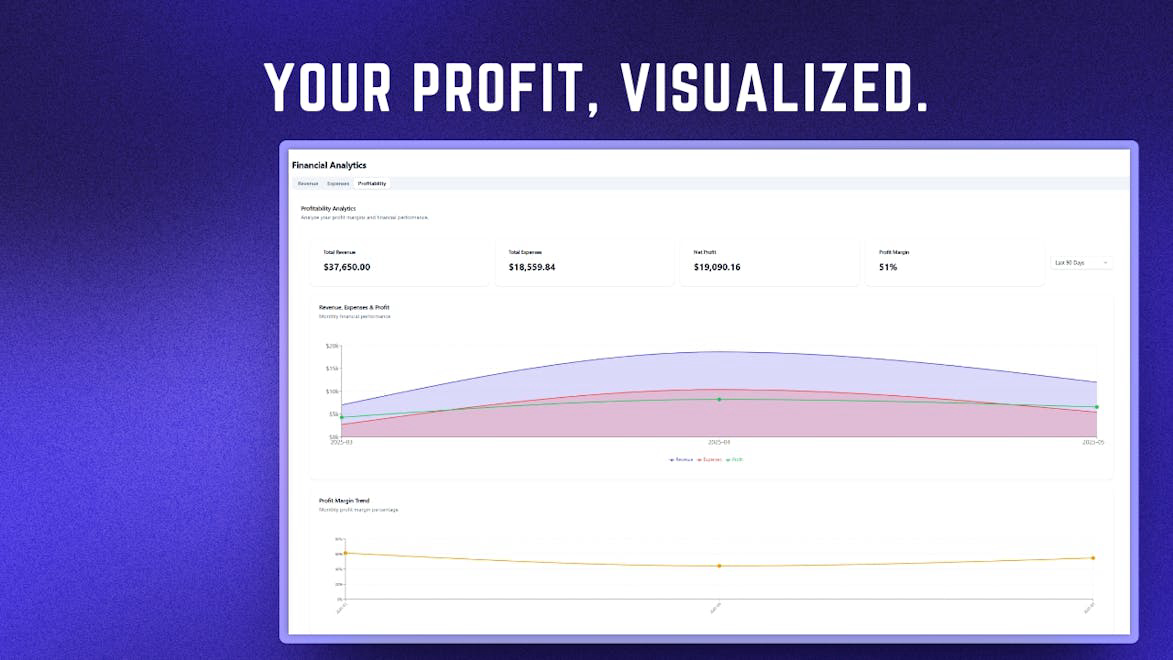
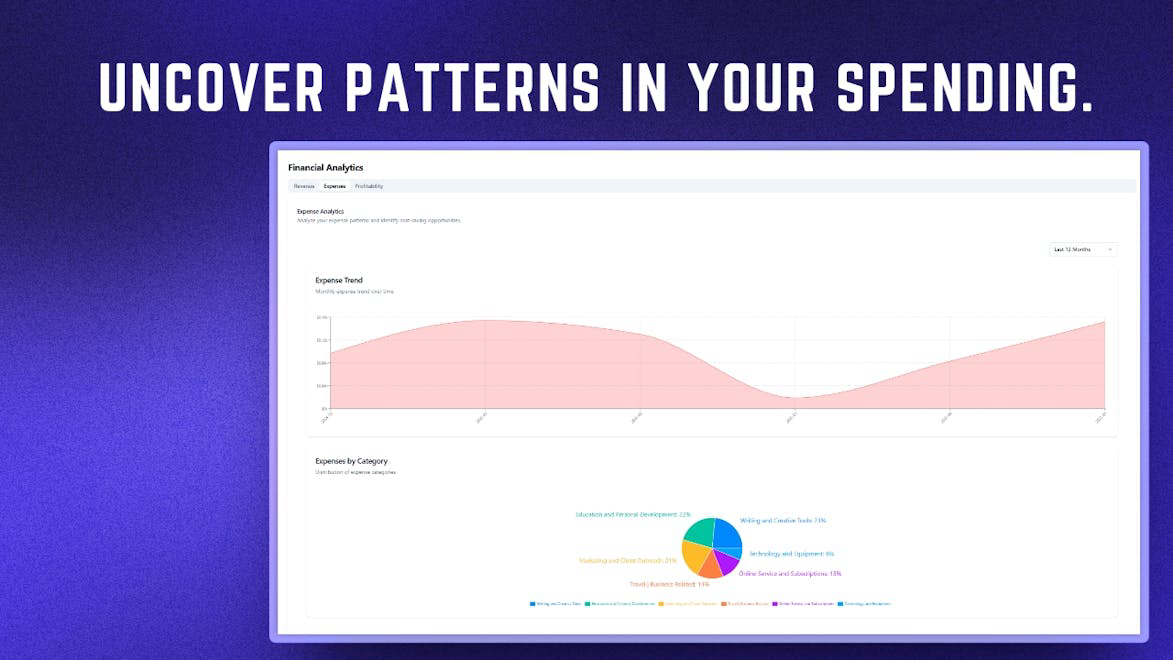
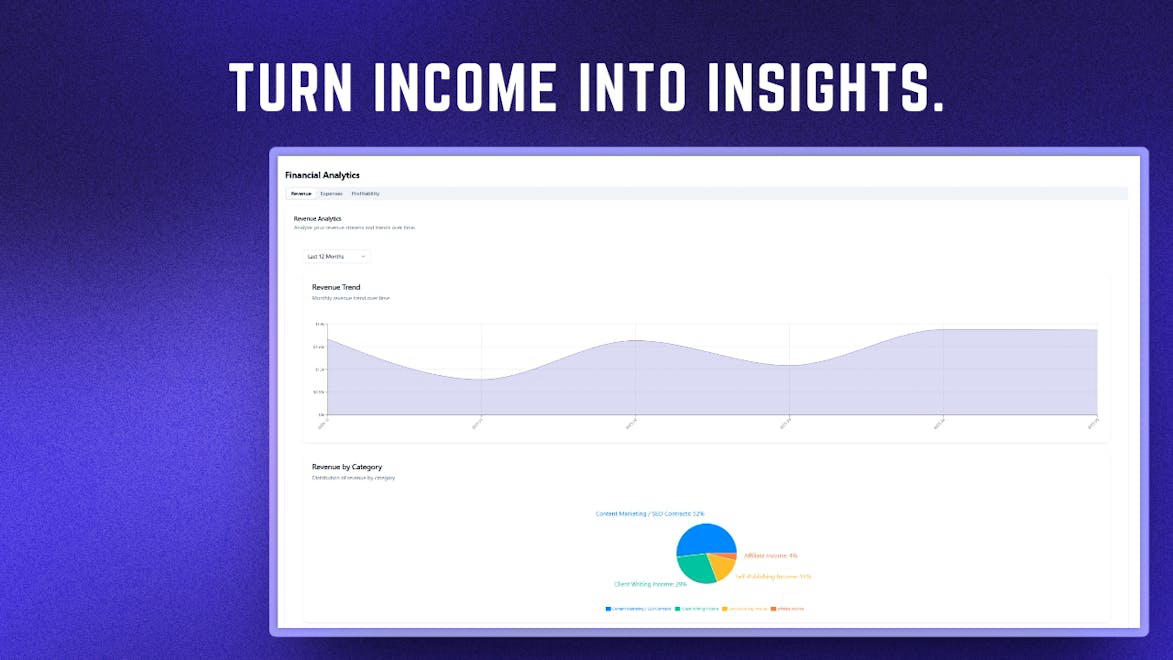
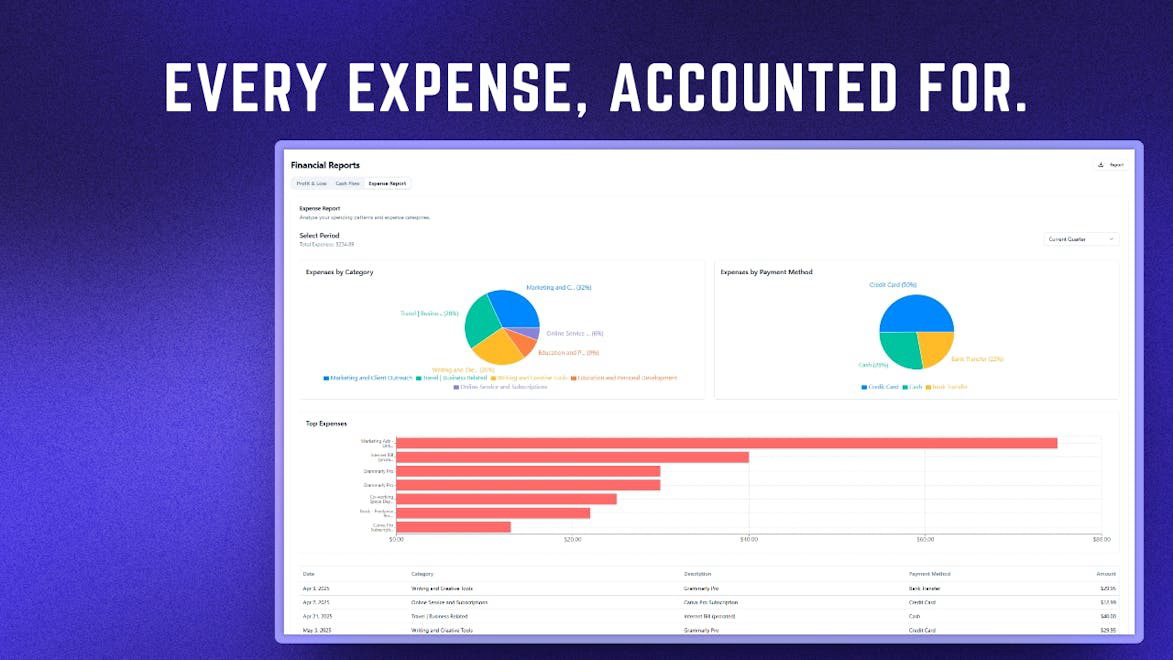
SpendTab is an accounting software designed specifically for small and medium enterprises (SMEs), freelancers, and consulting services. It allows users to manage their finances effortlessly by tracking income, expenses, and budgets across multiple businesses from a single dashboard. With features like expense categorization, smart budget management, and one-click financial reports, SpendTab helps solopreneurs maintain a clear financial picture and stay tax-ready throughout the year.
How to use Spendtab?
To use SpendTab, sign up for a free trial, link your business accounts, and start logging your income and expenses. Categorize your transactions, set budgets for different projects, and generate financial reports with just one click to keep your finances organized and tax-ready.
Core features of Spendtab:
1️⃣
Multi-Account Expense Tracking
2️⃣
Detailed Reporting & Analytics
3️⃣
Simple & Intuitive Interface
4️⃣
Income Tracking
5️⃣
Smart Project Budgeting
Why could be used Spendtab?
| # | Use case | Status | |
|---|---|---|---|
| # 1 | Digital Creators tracking development costs and revenue from digital sales | ✅ | |
| # 2 | Ecommerce Owners managing profits and inventory costs across multiple platforms | ✅ | |
| # 3 | Consultants organizing income from multiple clients and monitoring project expenses | ✅ | |
Who developed Spendtab?
SpendTab is developed by a dedicated team focused on simplifying accounting for solopreneurs and small business owners. Their mission is to provide intuitive financial management tools that help users track spending, manage multiple accounts, and generate tax-ready reports without the complexity of traditional accounting software.