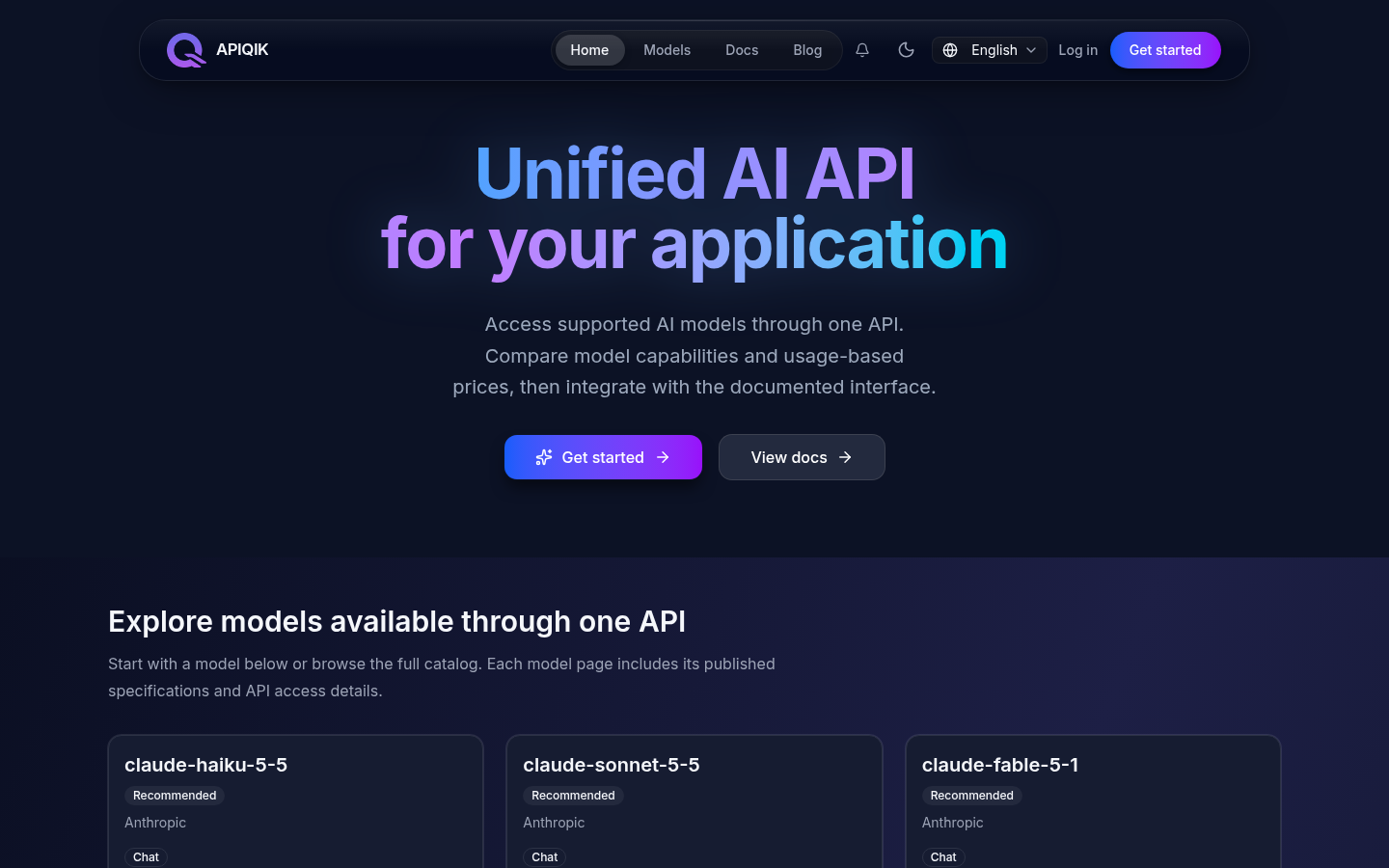
What is APIQIK?
APIQIK is a unified API for accessing supported AI models through a common entry point. It helps developers compare model capabilities and usage-based prices, integrate documented interfaces, and manage reliability, billing, and request logs in one place.
How to use APIQIK
Create an account and API key, browse the model catalog, and review the chosen model's pricing, supported interface, and required parameters. Store the key as APIQIK_API_KEY in your server environment, never in browser code. List available models through https://api.apiqik.com/v1/models, then follow the selected model's documentation to send inference requests.
Core features
- 01Unified access to supported AI models through a single API entry point.
- 02Automatic failover across inference nodes, temporarily removing overloaded nodes until they recover.
- 03A shared account balance with centralized usage and cost tracking across models.
- 04End-to-end request tracing with centralized usage and error logs.
- 05A model catalog with published specifications, pricing, API details, and online playgrounds.
Use cases
- Integrate supported AI chat models into an application without maintaining separate access arrangements for each provider.
- Compare models using published capabilities, limits, prices, and representative playground tests.
- Operate AI applications with automatic inference-node failover and centralized billing and debugging.
Who makes APIQIK
The product is presented under the APIQIK name. The supplied text does not identify its founders, team, or operating company.
Frequently asked questions
What is APIQIK?
APIQIK provides a common access point for supported AI models, with centralized billing, request tracing, and automatic inference-node failover.
Can I use an OpenAI-compatible SDK?
Yes, for models that expose an OpenAI-compatible interface. Configure the APIQIK base URL and API key, then use the model ID from the catalog. Other interfaces may require a different request format.
How does automatic failover work?
A request can retry across multiple inference nodes. Overloaded nodes are temporarily removed and rejoin when healthy, without requiring code or configuration changes on your side.
How is usage billed?
Models share one account balance. Charges depend on the selected model's published rates, billing units, resource group, and applicable tier conditions.
How should I choose a model?
Identify the capabilities your task needs, compare published limits and prices, and test representative inputs in the model's online playground before integrating it.
Where should I store my API key?
Keep your API key on your server, outside browser code. The getting-started example uses the APIQIK_API_KEY environment variable.
Can I trace requests and investigate errors?
Yes. Each request records the inference nodes it passed through, and usage and error logs are centralized for debugging.


