

What is EmptyWhiteScreen?
Need a blank white screen for your presentations, meditation, or focus sessions? You're in the right place! With just a click, you can get a clean, distraction-free white screen that works perfectly on any device.
How to use EmptyWhiteScreen
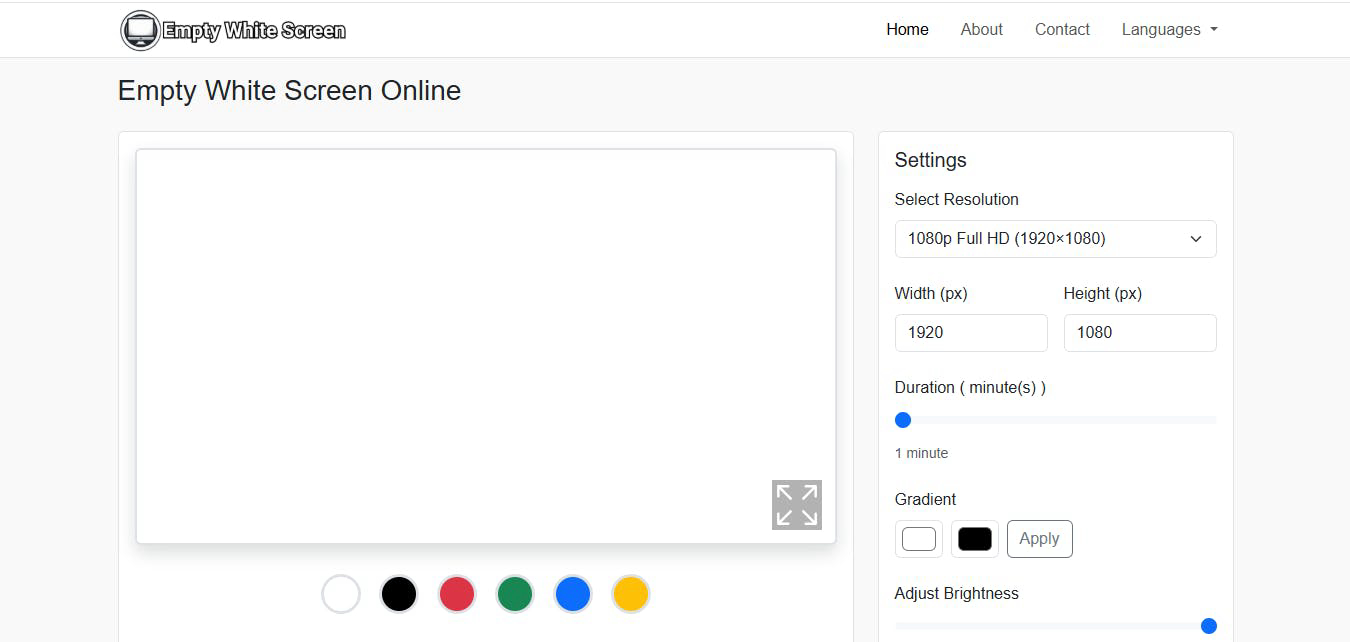
Simply select your desired settings such as color, resolution, and duration, then click to generate your blank screen. You can also download or share your screen as needed.
Core features
- 01Solid Colors & Gradients
- 02Timer & Duration
- 03Custom Resolution
- 04Brightness Control
- 05Fullscreen Mode
Use cases
- Presentations
- Eye Relaxation
- Focus & Meditation
Who makes EmptyWhiteScreen
EmptyWhiteScreen.com is dedicated to providing simple and effective tools for users seeking distraction-free environments for presentations, meditation, and focus sessions.
Frequently asked questions
Is this tool free to use?
Yes, it's completely free. You don't need to sign up or pay anything to use the empty white screen.
Can I use this on my phone?
Yes, the tool is designed to work on any device, including phones.
Can I download the white screen?
Yes, you can download your screen as an image file.
How do I adjust the brightness?
You can adjust the brightness of the screen to suit your environment using the brightness control feature.
Can I create gradients?
Yes, you can choose from a variety of solid colors or create beautiful gradients with two colors.
How do I set a custom resolution?
You can adjust the width and height of the screen to match your needs, including preset resolutions like 1080p, 720p, or 4K.
What is the fullscreen mode?
Fullscreen mode allows for a truly immersive experience, perfect for presentations or meditation sessions.


