
What is Imagera?
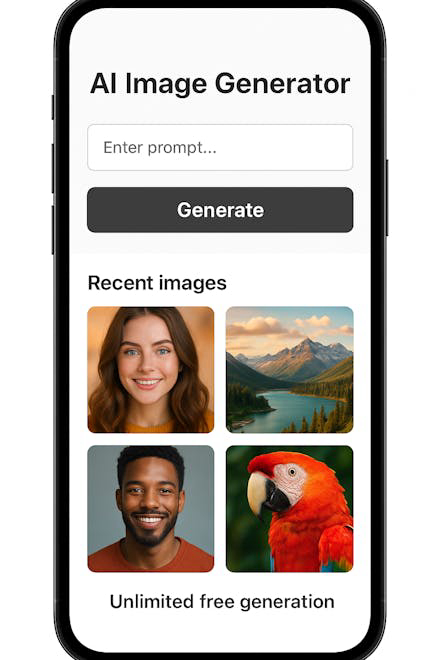
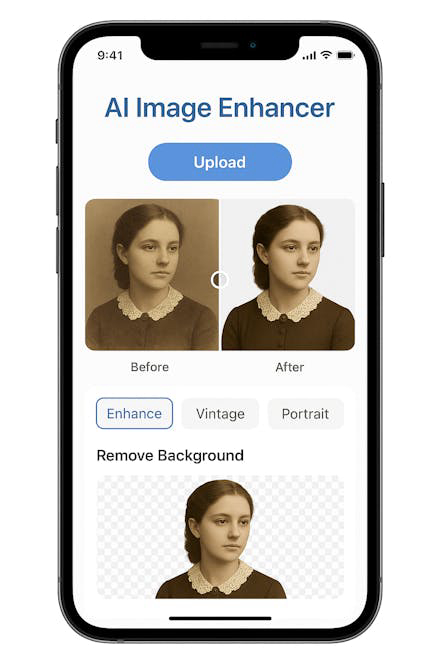
Imagera AI Image Generator is a powerful tool that transforms written prompts into high-quality AI-generated images, perfect for digital art, concept designs, and social media content. It also offers features like image enhancement, black and white colorization, and background removal, making it an all-in-one solution for creative projects.
How to use Imagera
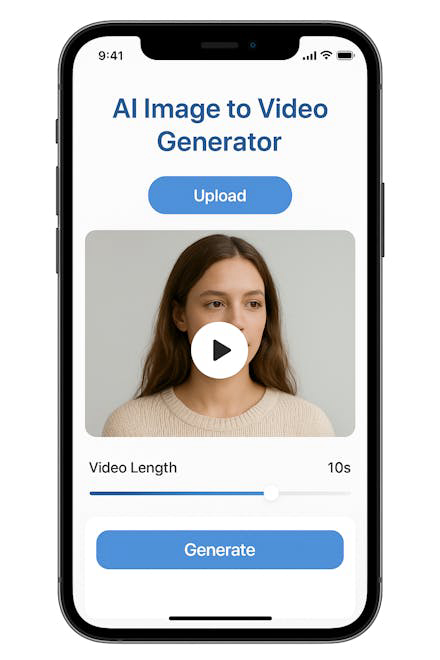
To use Imagera AI Image Generator, simply input your text prompt to generate images, enhance your photos with one-click improvements, or utilize the background removal tool for graphic design. You can also convert images into videos for dynamic presentations.
Core features
- 01Text to Image Generation
- 02Image Enhancement
- 03Black & White Colorization
- 04Background Removal
- 05Image to Video Conversion
Use cases
- Creating digital art and concept designs
- Enhancing photos for social media
- Converting images into videos for visual storytelling
Who makes Imagera
Imagera is developed by a team dedicated to providing innovative AI solutions for creative professionals and enthusiasts, ensuring high-quality results and user-friendly experiences.
Frequently asked questions
What is Imagera AI Image Generator?
Imagera AI Image Generator is a tool that transforms text prompts into high-quality AI-generated images and offers various image enhancement features.
Is Imagera free to use?
Yes, Imagera offers a free trial for users to explore its features.
What are the main features of Imagera?
The main features include text to image generation, image enhancement, black and white colorization, background removal, and image to video conversion.
How does Imagera's text-to-image generation work?
Users input written prompts, and the AI generates corresponding images based on the text.
Are my images private when using Imagera?
Yes, Imagera prioritizes user privacy and ensures that your images are kept confidential.
Who can use Imagera?
Imagera is designed for anyone interested in creating and enhancing images, including artists, designers, and social media users.
How can I start using Imagera?
You can start using Imagera by downloading the app and signing up for a free trial.


