
What is Kee 2.0?
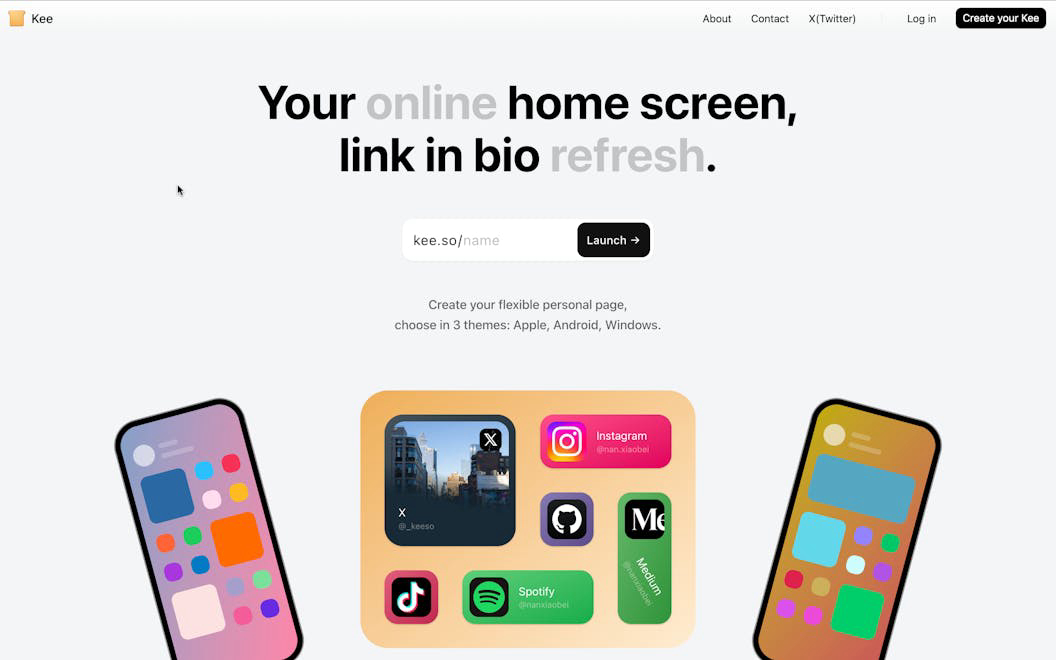
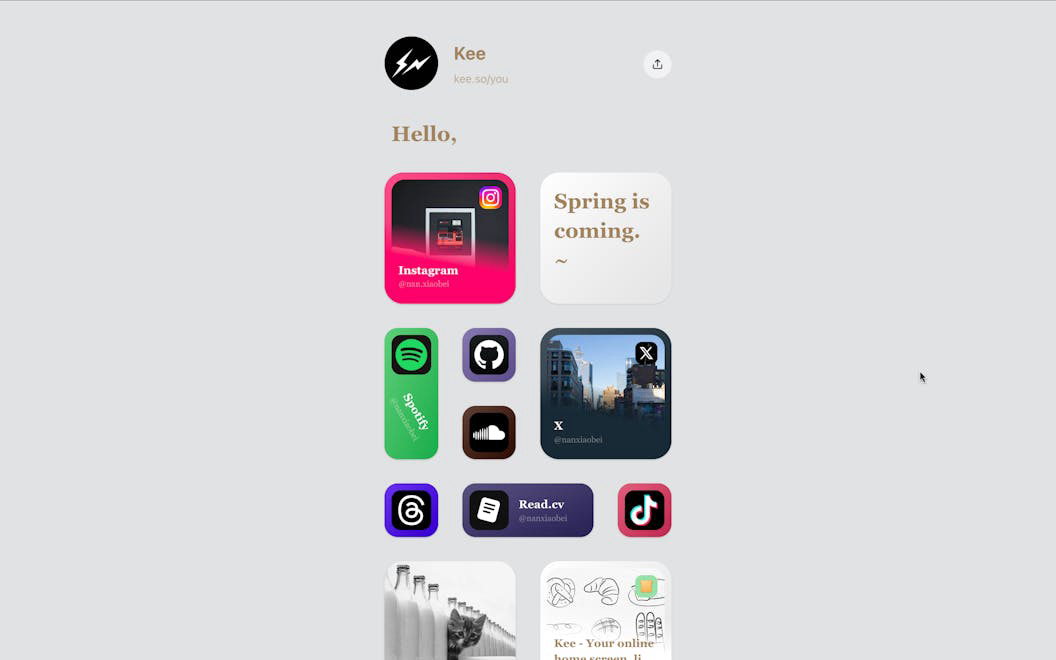
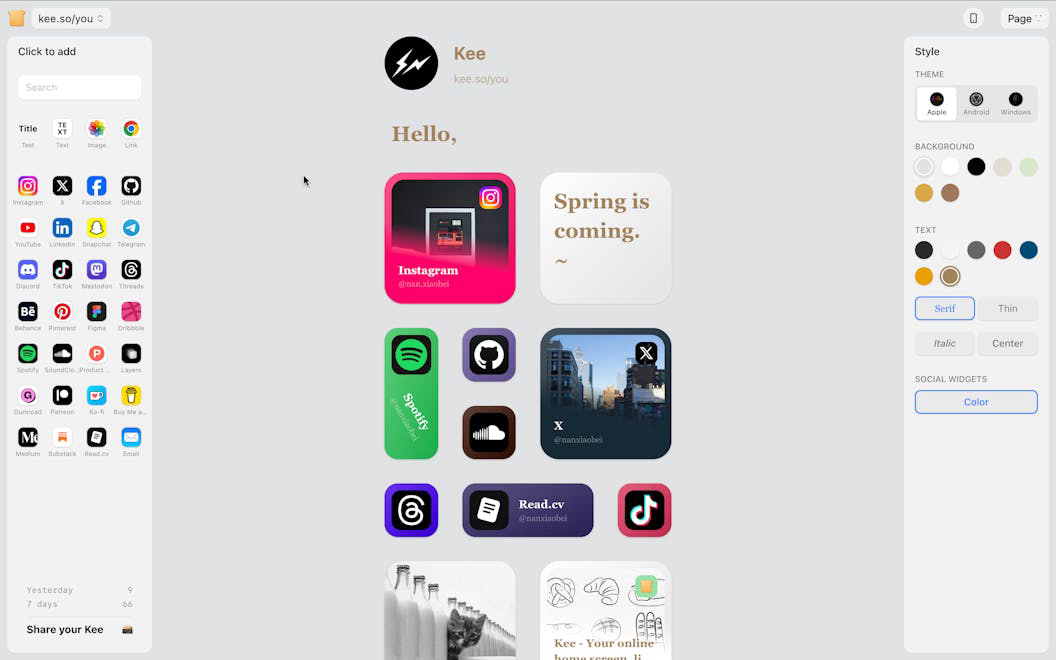
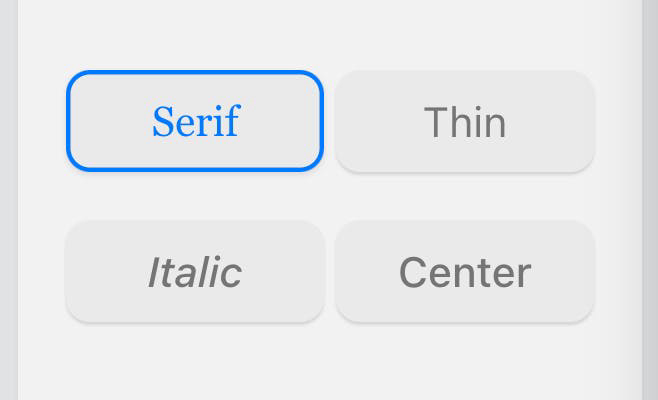
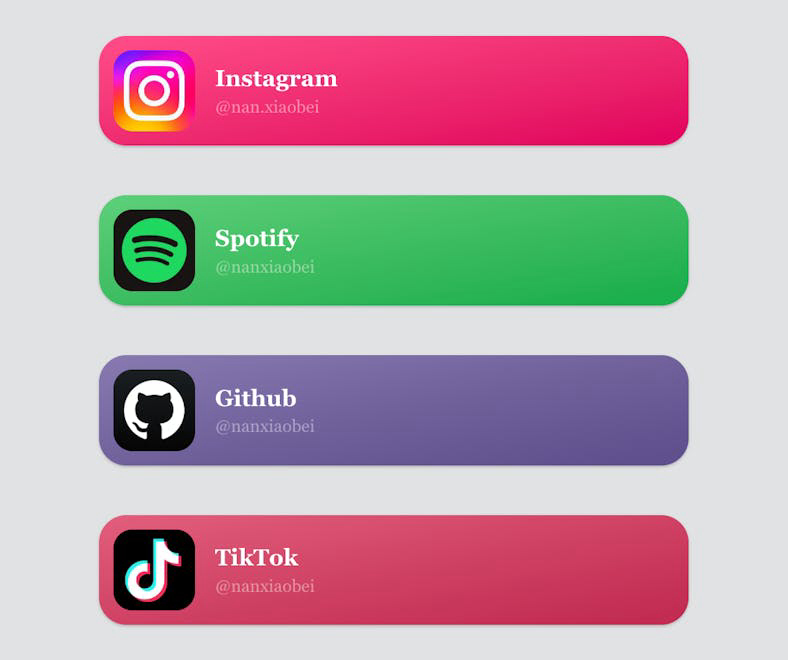
Create your flexible personal page with customizable themes for Apple, Android, and Windows. Showcase your social links, photos, videos, podcasts, products, and services elegantly and strikingly.
How to use Kee 2.0
Sign up for an account, choose a theme, customize your page with your social links and media, and publish your personal page to share with others.
Core features
- 01Customizable themes for different platforms
- 02Integration of social links and media
- 03Showcase podcasts and products
- 04Design as apps or widgets
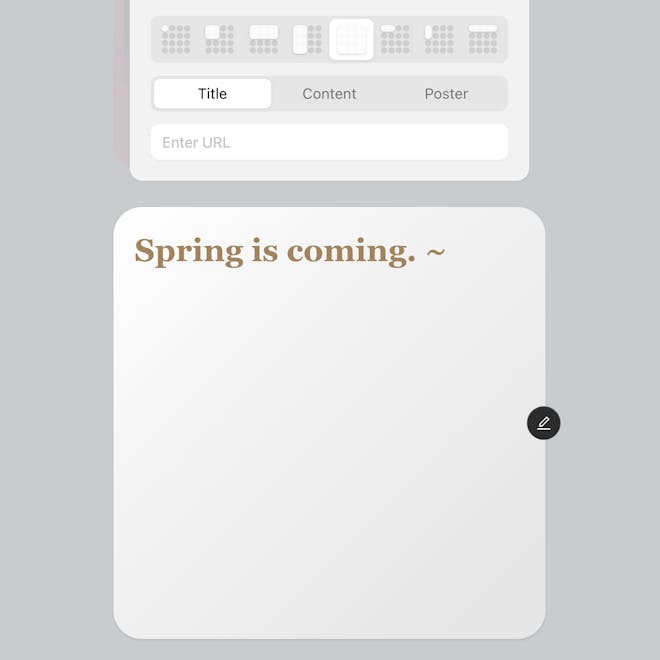
- 05Easy to customize layout
Use cases
- Personal branding and online presence
- Showcasing creative work and portfolios
- Linking to various social media and content
Who makes Kee 2.0
Keeso is a company focused on providing innovative solutions for personal branding and online presence, allowing users to create customizable and elegant personal pages.
Frequently asked questions
What platforms does Keeso support?
Keeso supports Apple, Android, and Windows platforms.
Can I customize my page?
Yes, you can fully customize your page with different themes and layouts.
Is there a free version available?
Yes, Keeso offers a free basic plan with limited features.
How do I integrate my social media links?
You can easily add your social media links in the customization settings of your page.
What payment methods are accepted for the Pro and Business plans?
We accept major credit cards and PayPal for subscription payments.
Can I change my theme after publishing?
Yes, you can change your theme at any time from your account settings.
Is there customer support available?
Yes, Keeso provides customer support via email and chat.


