

What is Inkscribe AI?
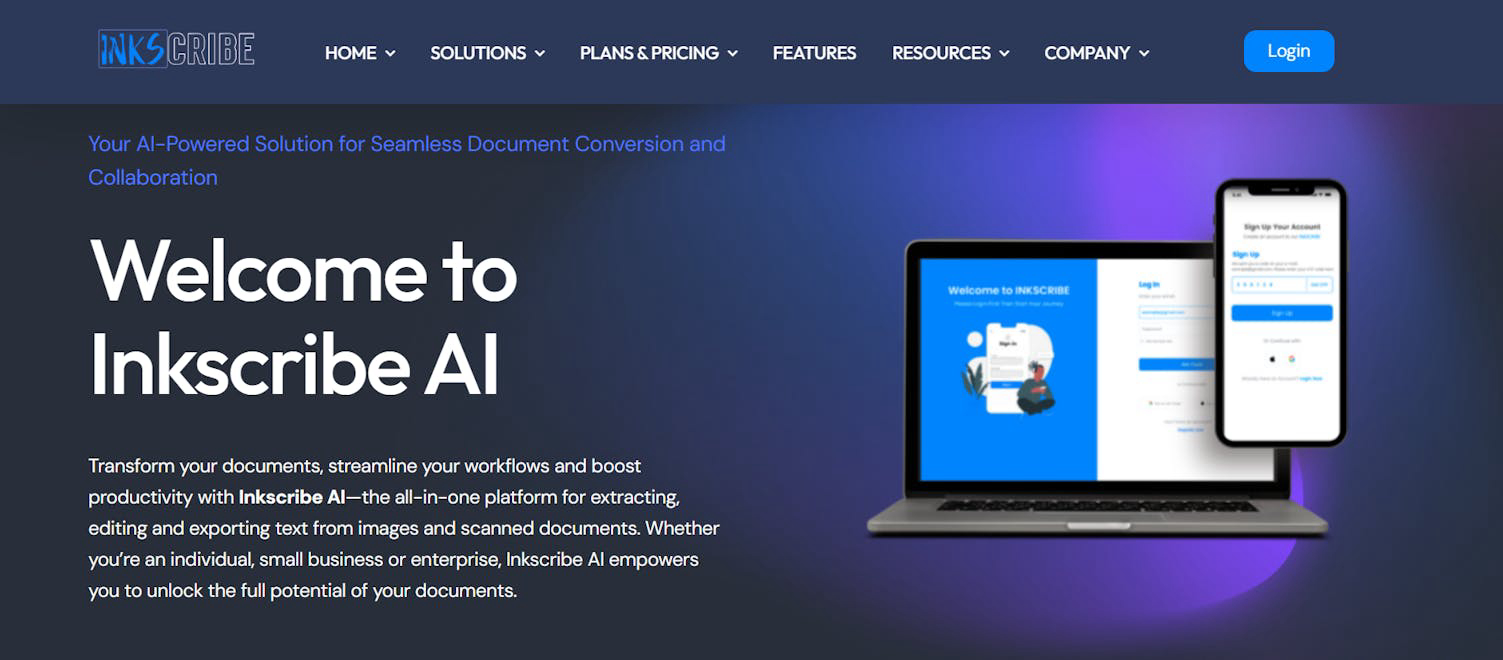
Inkscribe AI is an all-in-one platform designed for seamless document conversion and collaboration. It allows users to extract, edit, translate, and export text from images and scanned documents, enhancing productivity for individuals, small businesses, and enterprises alike.
How to use Inkscribe AI
To use Inkscribe AI, simply upload your images or scanned documents to the platform. The AI will instantly convert them into editable text, which you can then edit, translate, or export as needed. For collaboration, upgrade to a premium plan to access real-time editing features with your team.
Core features
- 01Instant conversion of images and scanned documents to editable text
- 02Secure storage and management of documents
- 03Collaboration tools for real-time editing and commenting
- 04Multilingual support for document translation
- 05Advanced export options to various cloud platforms
Use cases
- Individuals needing to convert scanned documents into editable formats
- Small businesses looking to streamline document workflows and enhance collaboration
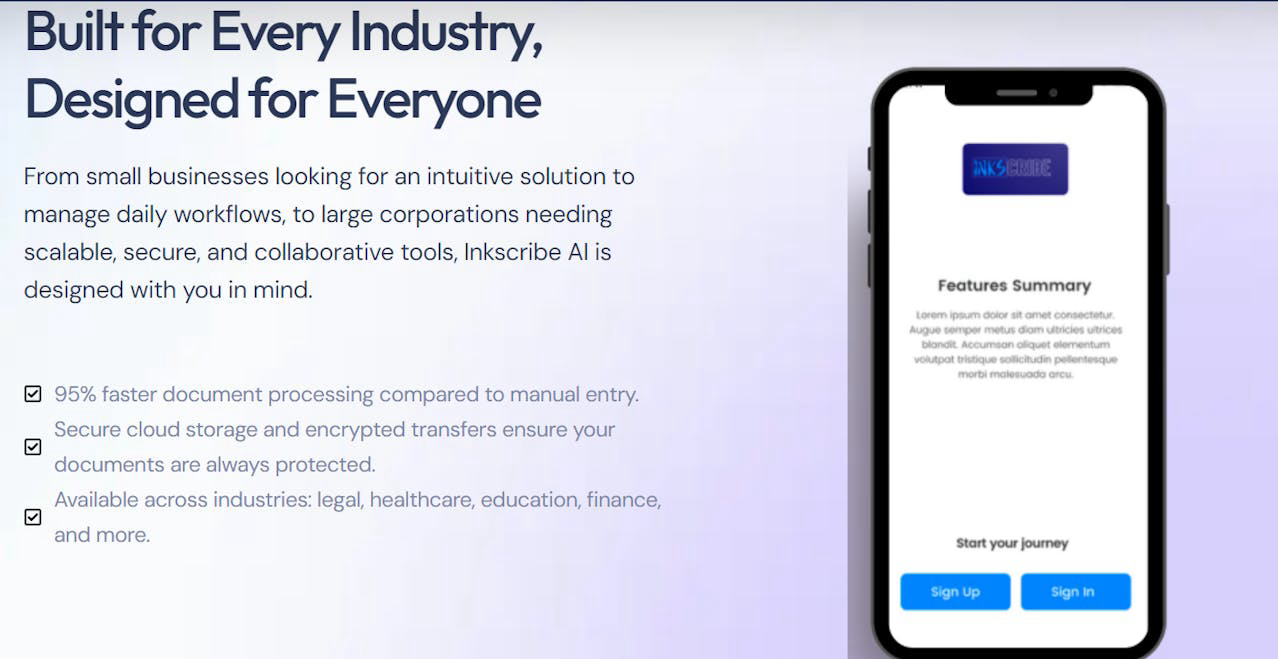
- Enterprises requiring secure document management and team collaboration tools
Who makes Inkscribe AI
Inkscribe AI is developed by a dedicated team focused on simplifying document management through advanced AI technology, ensuring secure and efficient solutions for users across various sectors.
Frequently asked questions
What types of documents can I upload?
You can upload images and scanned documents in various formats for conversion.
Is my data secure with Inkscribe AI?
Yes, Inkscribe AI ensures secure storage and management of your documents.
Can I collaborate with my team on documents?
Yes, upgrading to the Premium Plan allows for real-time collaboration with your team.
What is the difference between the plans?
The Starter plan offers basic features, while Pro and Premium plans include enhanced features like multilingual support and team collaboration.
How do I access my documents after conversion?
You can export your documents to Google Drive, OneDrive, Dropbox, and other leading platforms.
Is there a free trial available?
Currently, Inkscribe AI does not offer a free trial, but you can choose the Pay-as-you-go option for a one-time purchase.
What support options are available?
Inkscribe AI provides email support and 24/7 live chat for Premium and Enterprise users.


