

What is Controol?
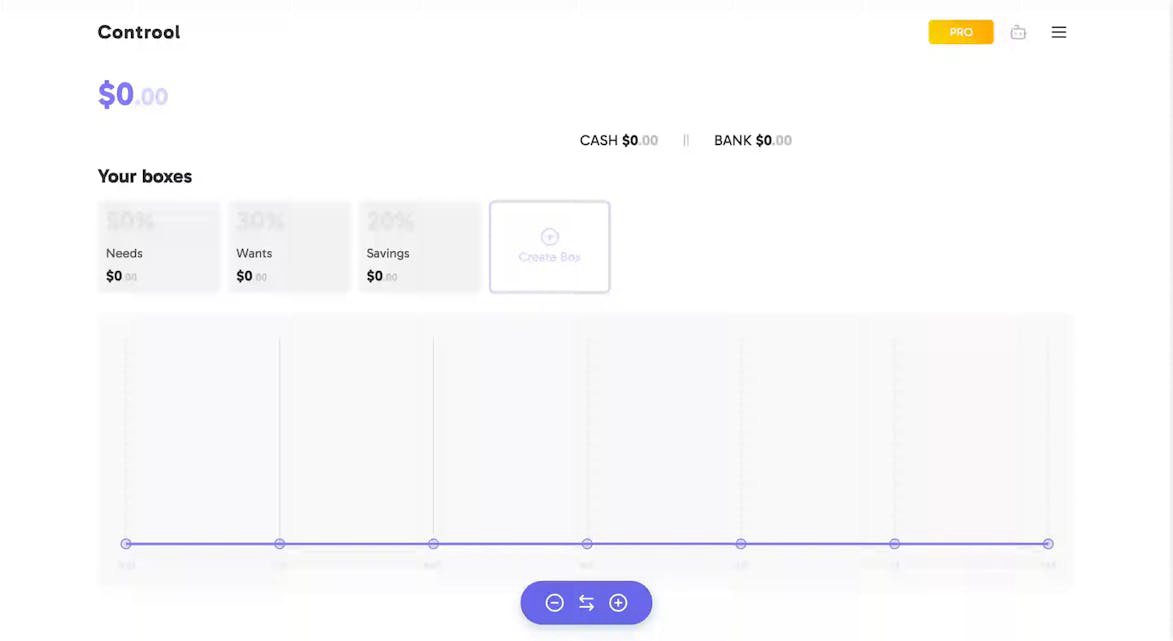
Controol is a financial management app that allows users to log their income and automatically distribute it into customizable spending categories, or 'boxes', based on user-defined percentages. This helps users understand their spending limits in each category, enabling them to make informed financial decisions without guilt.
How to use Controol
To use Controol, simply log your income whenever you receive money, and the app will automatically distribute it into the boxes you've created based on your specified percentages. Before making a purchase, check the balance in the relevant box, and log your expenses to keep track of your spending.
Core features
- 01Log income and expenses easily
- 02Automatic distribution of income into customizable boxes
- 03Check available balance in each category before spending
- 04Support for multiple currencies
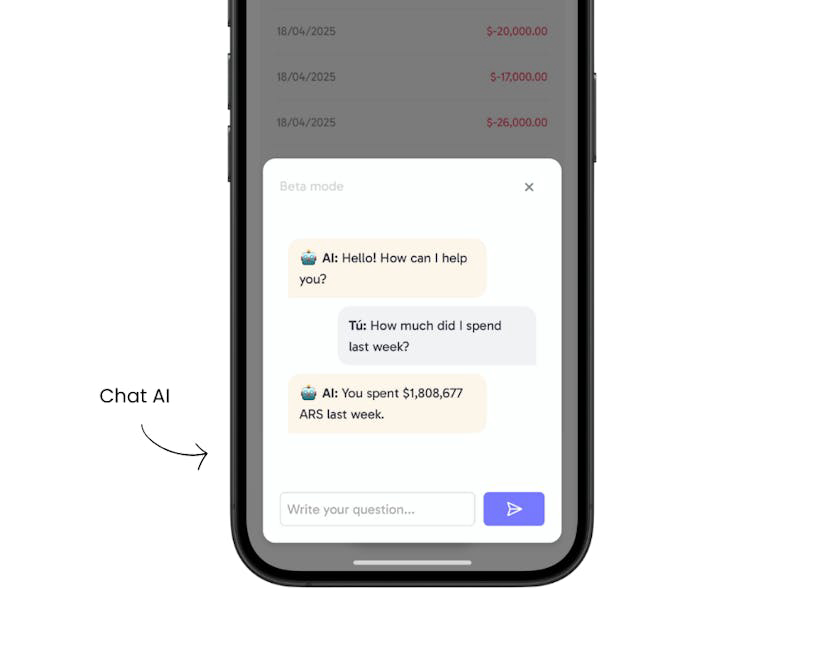
- 05AI assistance through ChatGPT
Use cases
- Personal budgeting and expense tracking
- Saving for specific goals
- Managing finances across different currencies
Who makes Controol
Controol is developed by a team dedicated to helping users achieve financial clarity and smarter spending habits. Their mission is to simplify personal finance management for everyone.
Frequently asked questions
How can I generate savings?
You can generate savings by allocating a percentage of your income to a savings box within the app.
Why choose this box system?
The box system allows for clear visibility of your finances, helping you manage your spending in different categories effectively.
Does it work with different currencies and countries?
Yes, Controol supports multiple currencies, making it suitable for users in various countries.
Is using this app free?
Yes, Controol offers a free plan with essential features to help you manage your finances.
Can I customize the boxes?
Absolutely! You can customize your boxes with different colors to easily identify them.
How do I log my expenses?
You can log your expenses directly in the app each time you make a purchase.
Is there AI assistance available?
Yes, you can ask AI for help using ChatGPT integrated within the app.


